Features
Installation Process
Here we give some screenshot how to install our script. Follow step by step to successfully install our script.
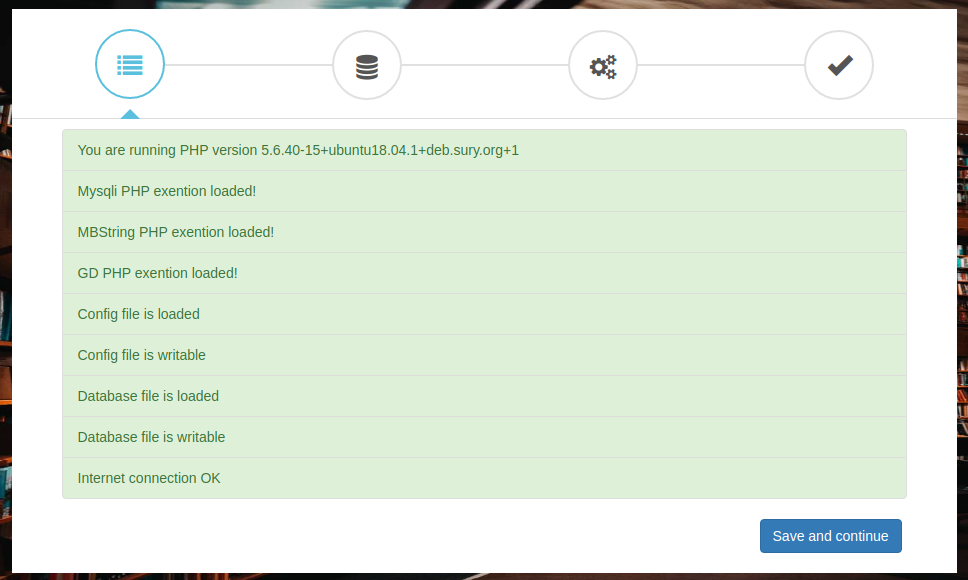
1. Script default require php extension/setting check list
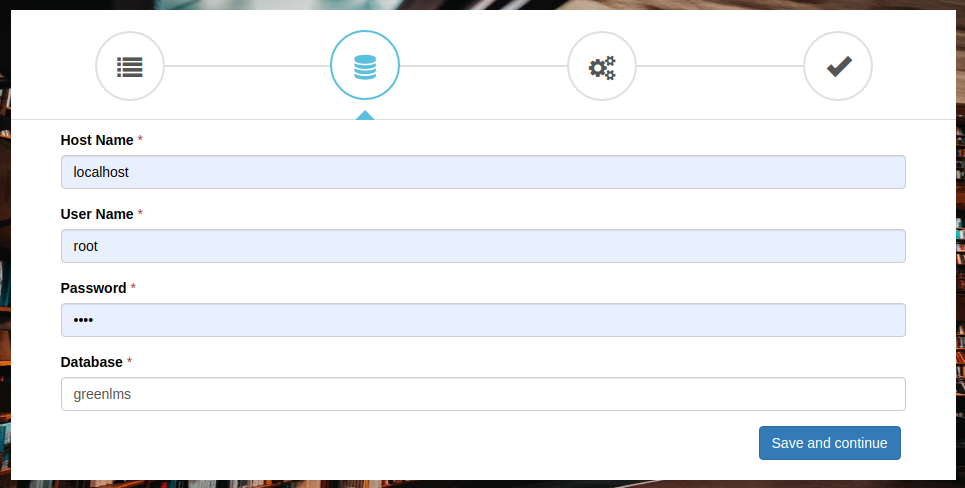
2. Database Setup
3. Setting Site & Admin Information Setup

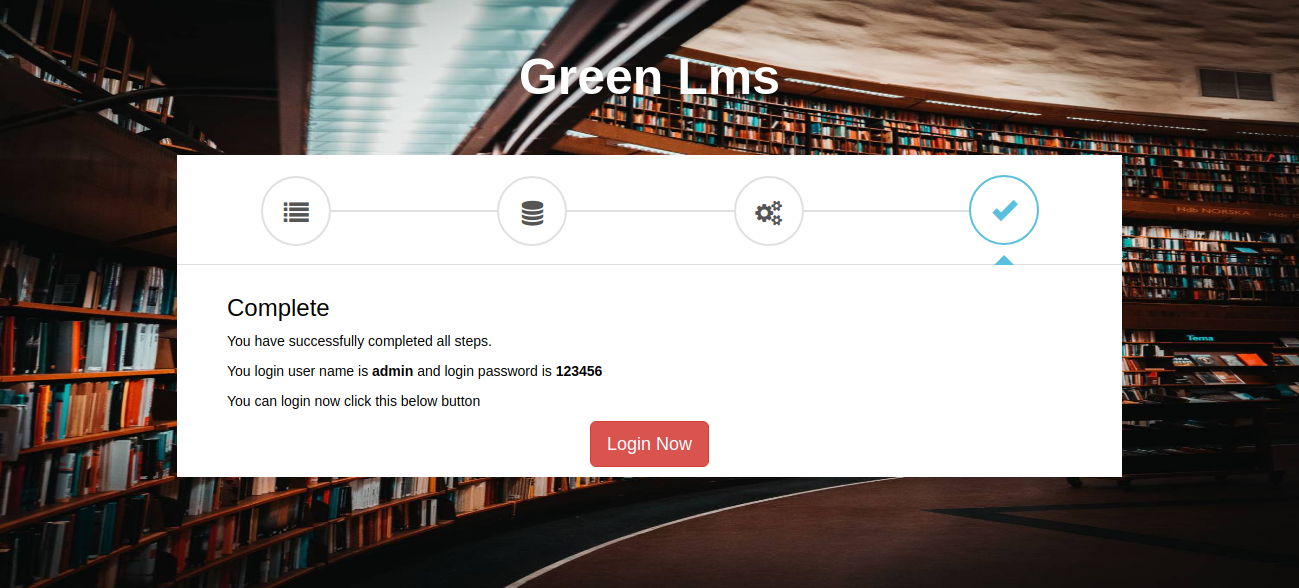
4. Complate Setup
All Feature List
Here we give some feature and if you want to see full feature you can visit our site.
Dashboard
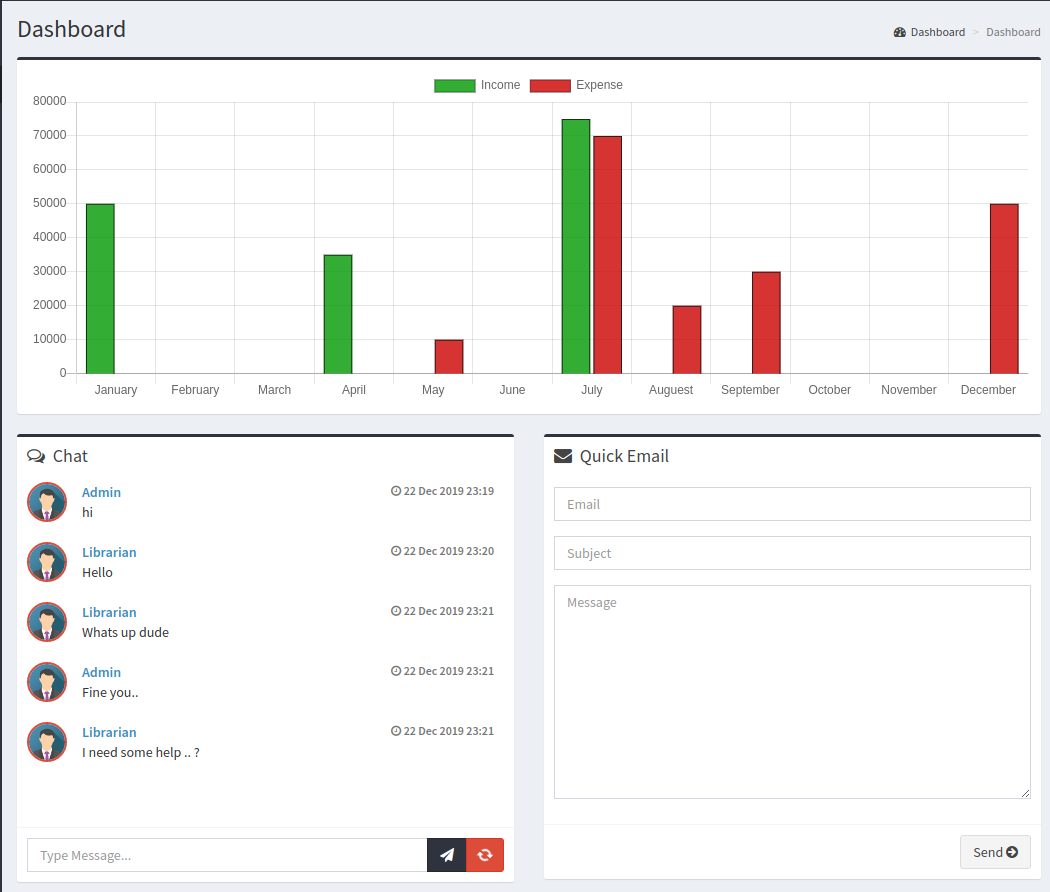
In Dashboard, have income and expense chart, So you can easily see month wise income and expense graph Also have a global chatbox and global mailbox using this you can easily send user notification.
Book Issue
In Book Issue Module, you can be issued a book for any member.
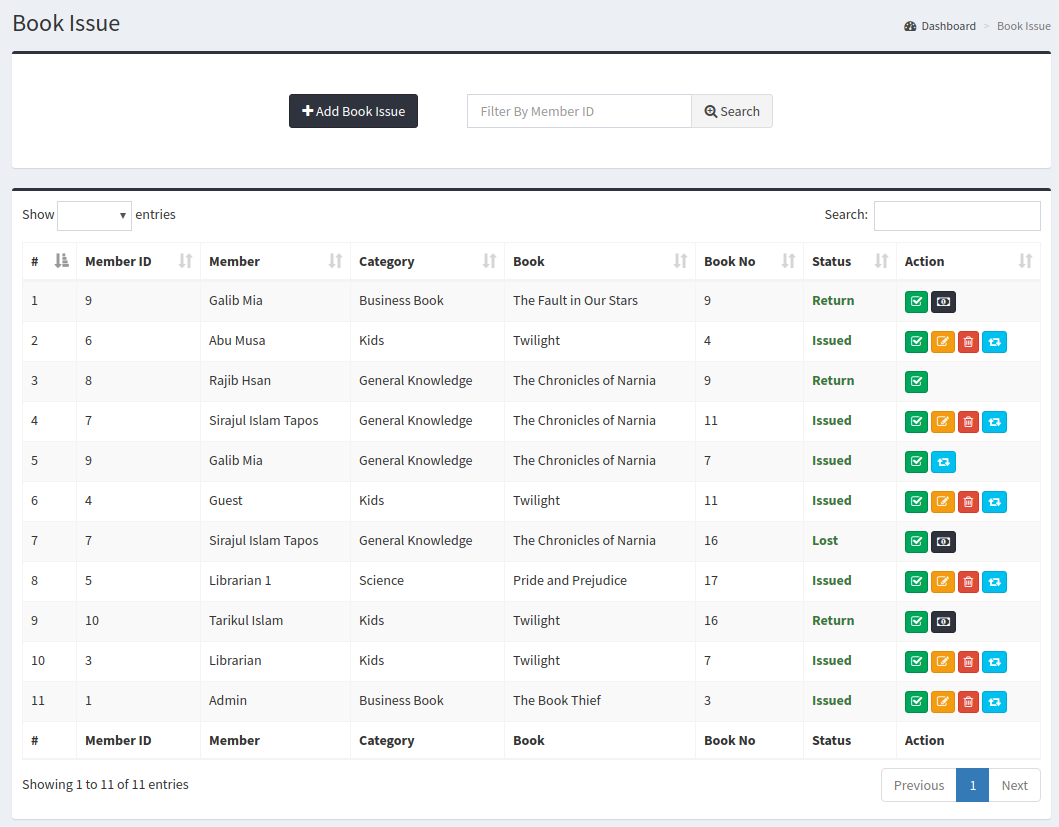
Book Issue Add
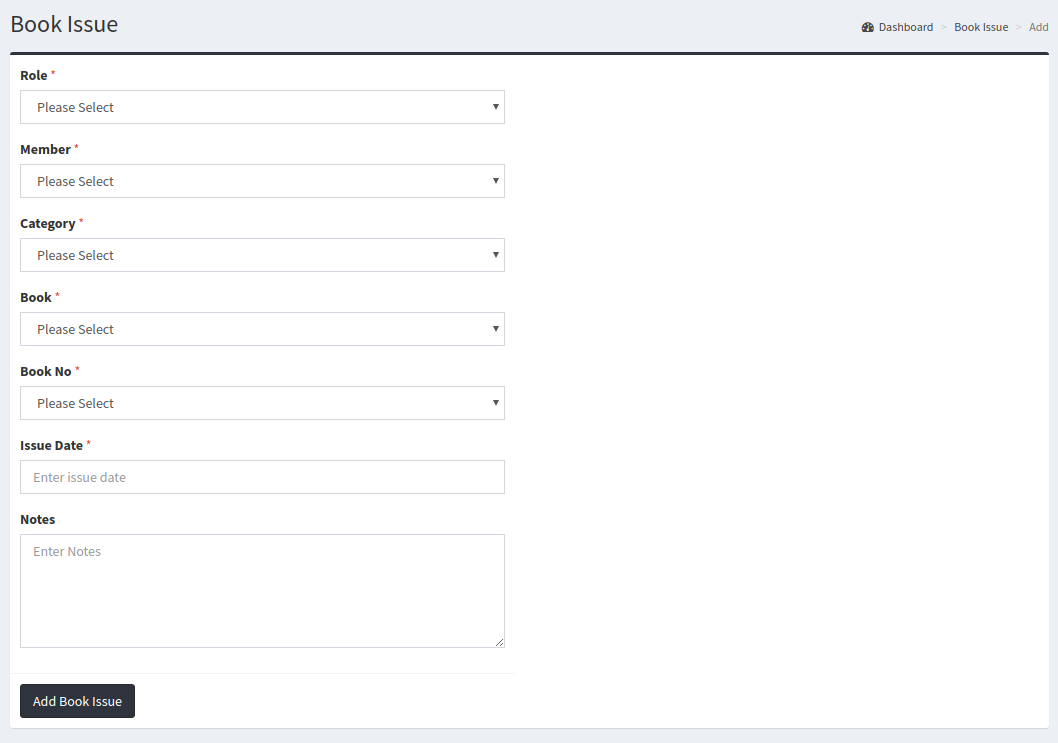
Book Issue View
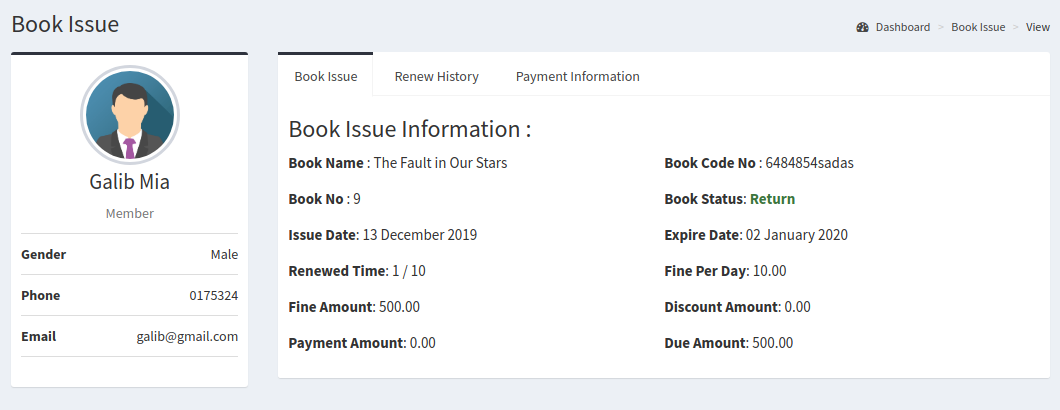
Book Issue Payment
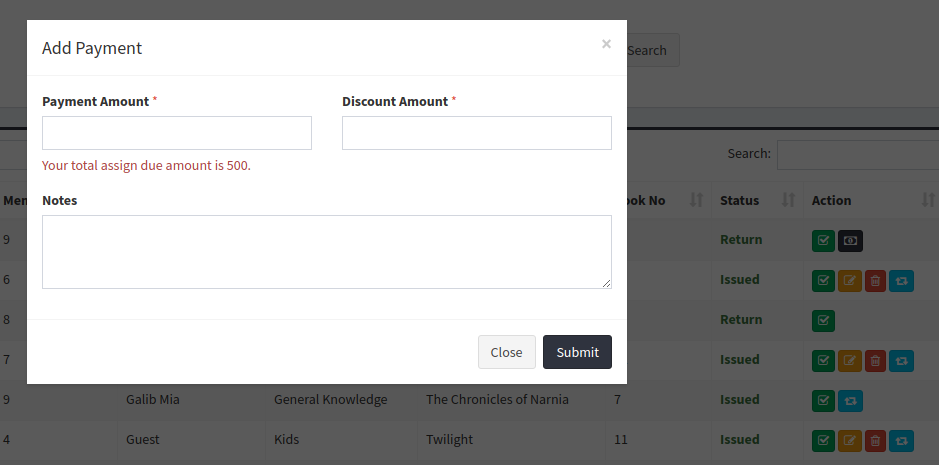
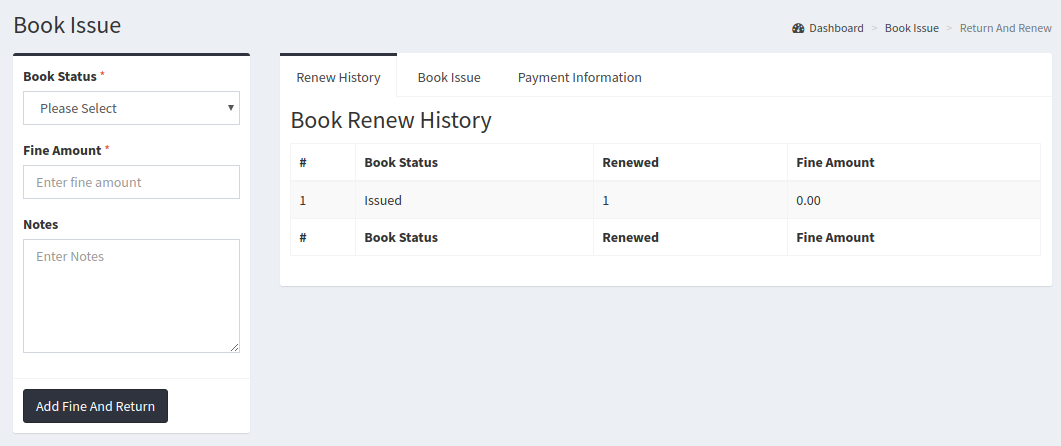
Book Issue Renew and Renew History
Members
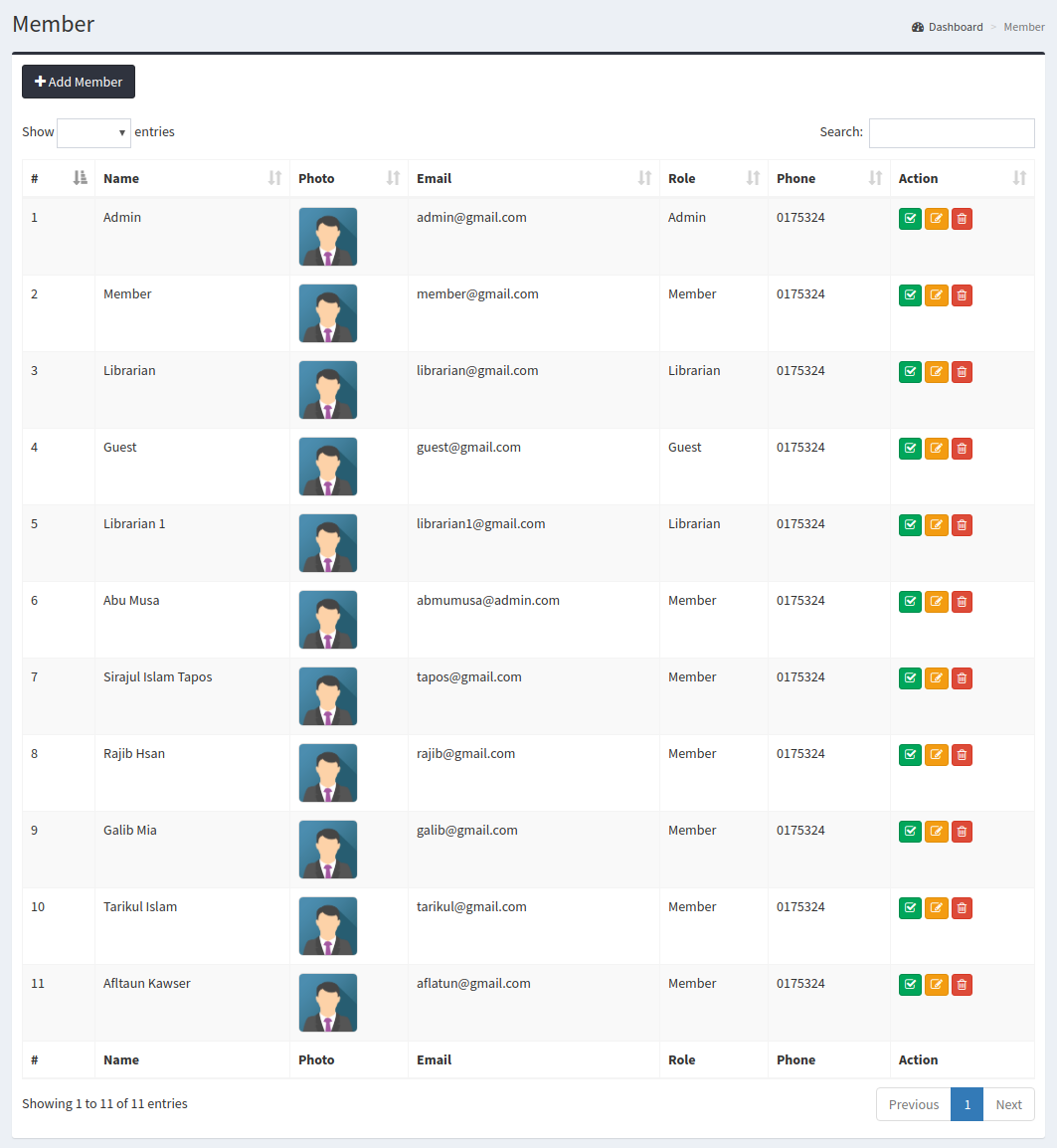
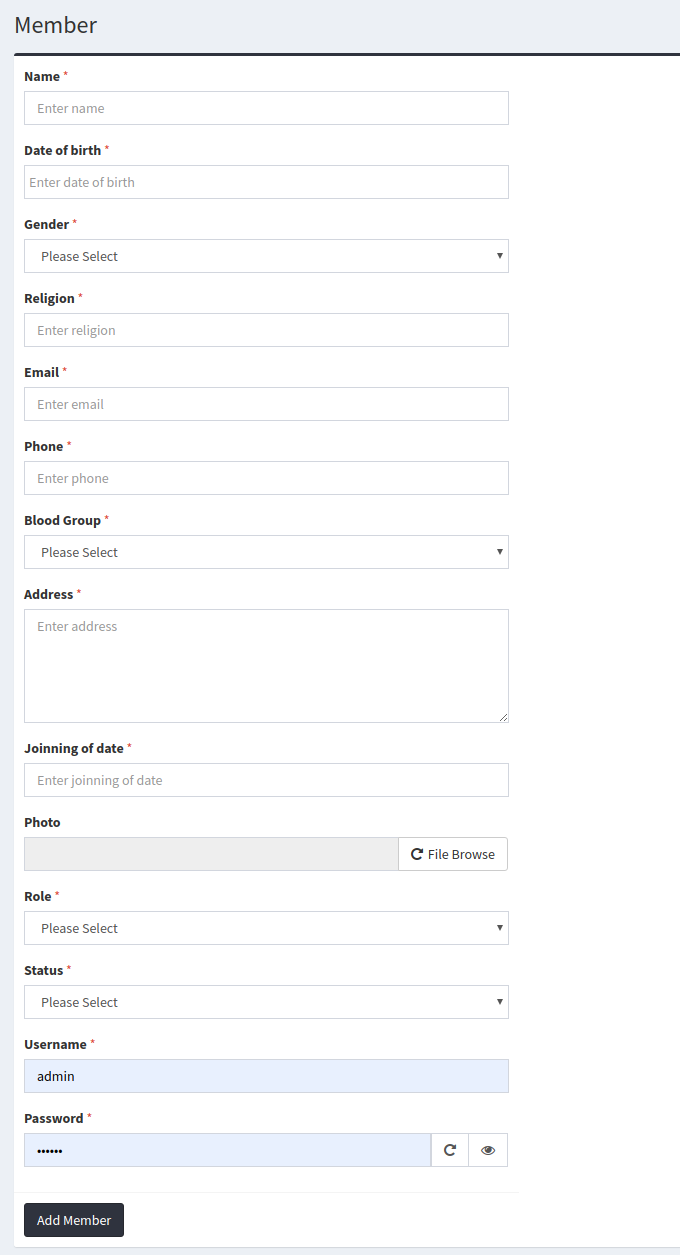
In Member module, you can add, edit, update, view, delete any member. Here you also enable/diasable any member
Member Add
Member View

Books
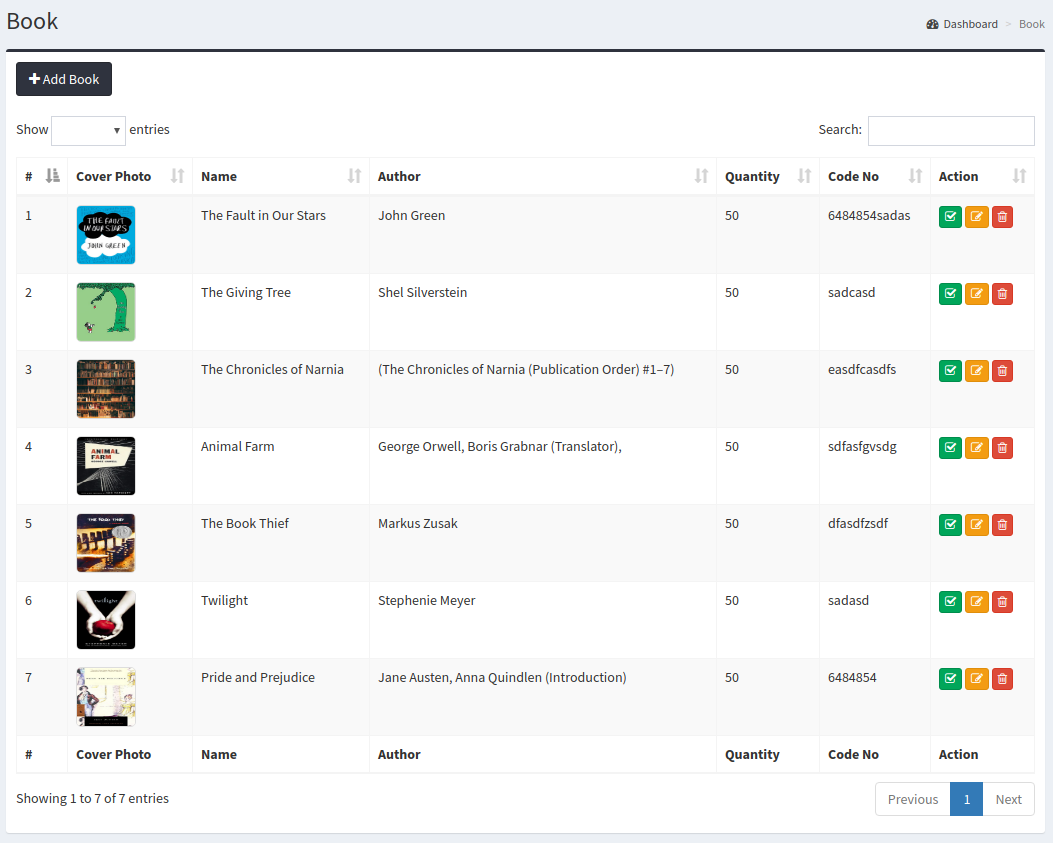
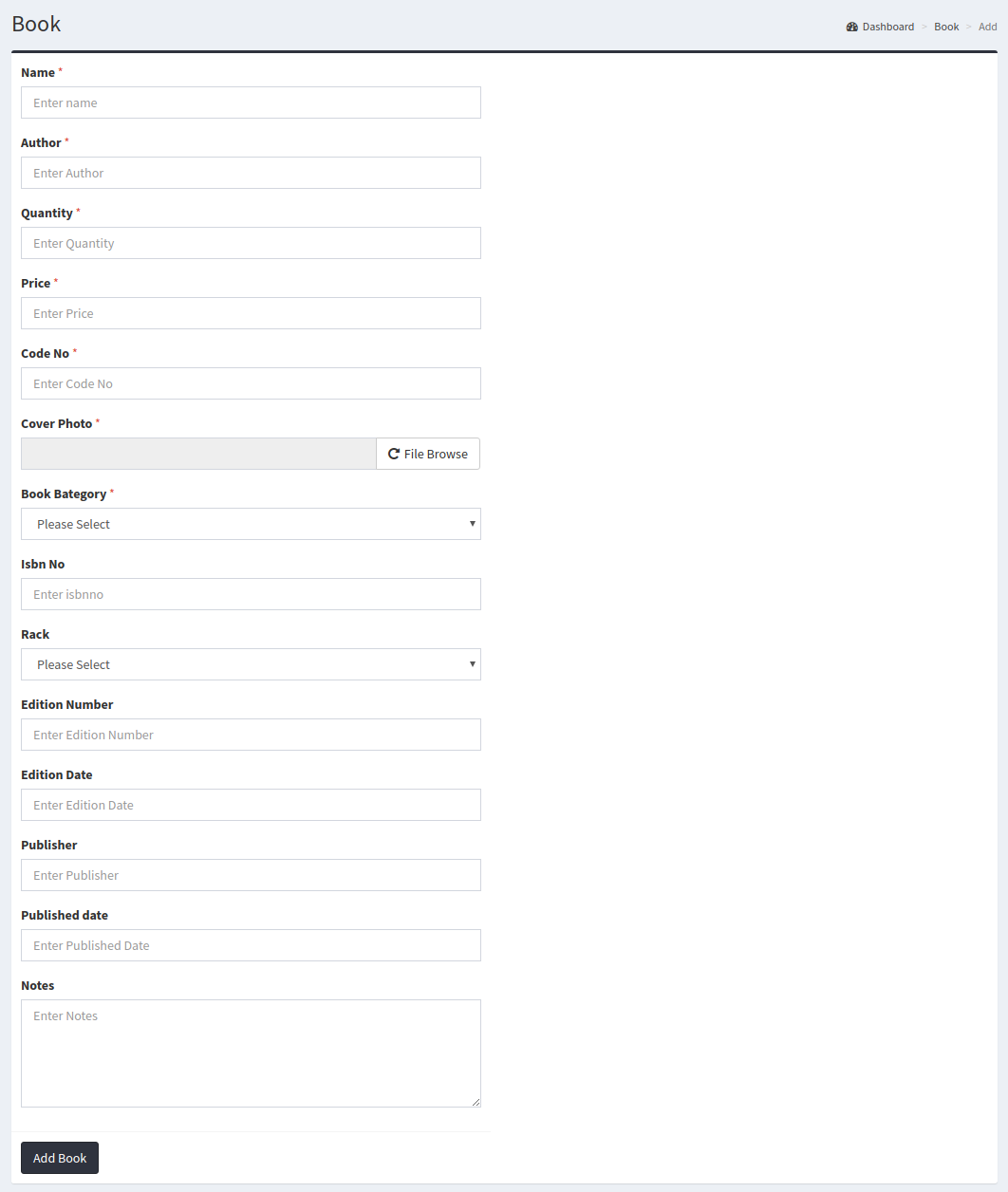
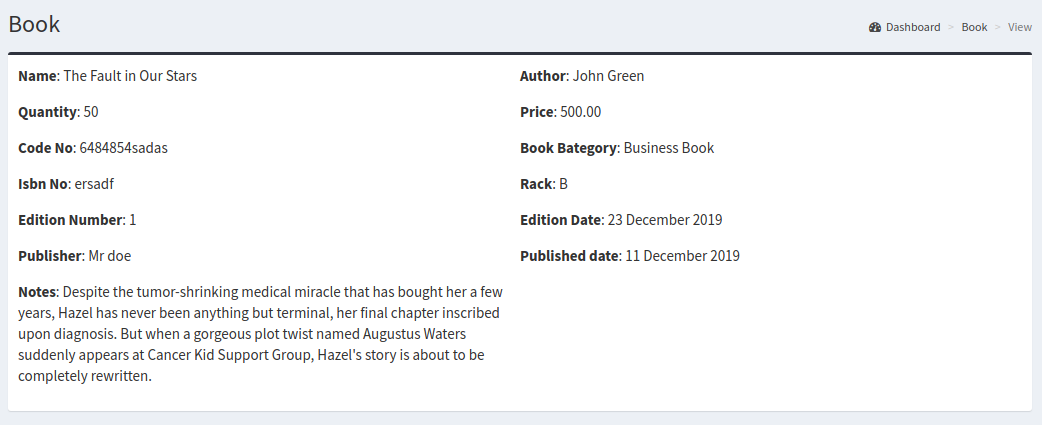
In Book module, you can add, edit, update, view, delete any book.
Book Add
Book View
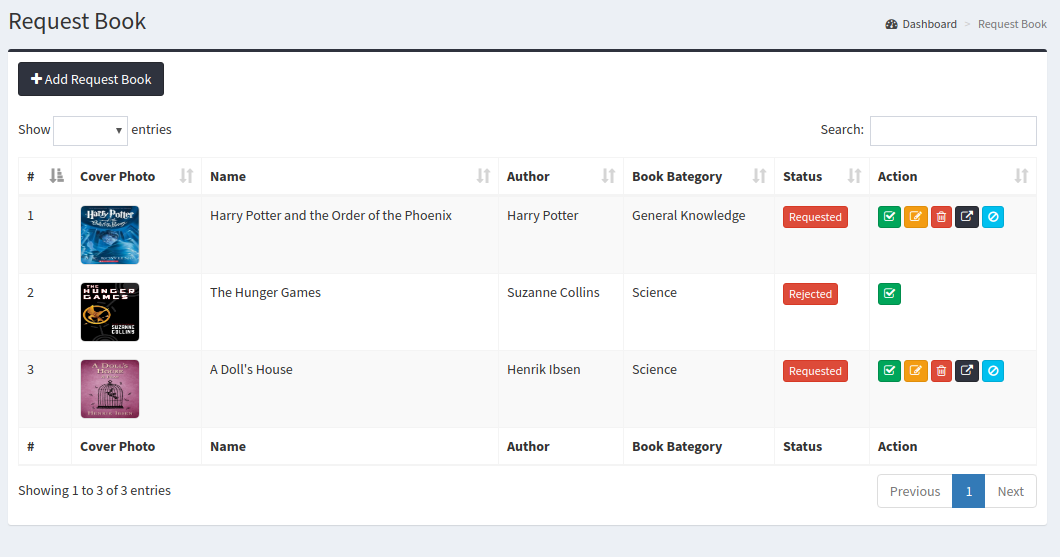
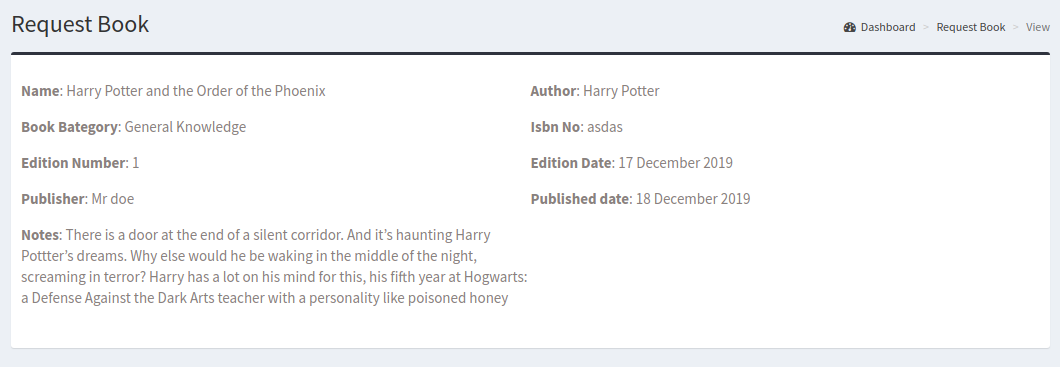
Request Book
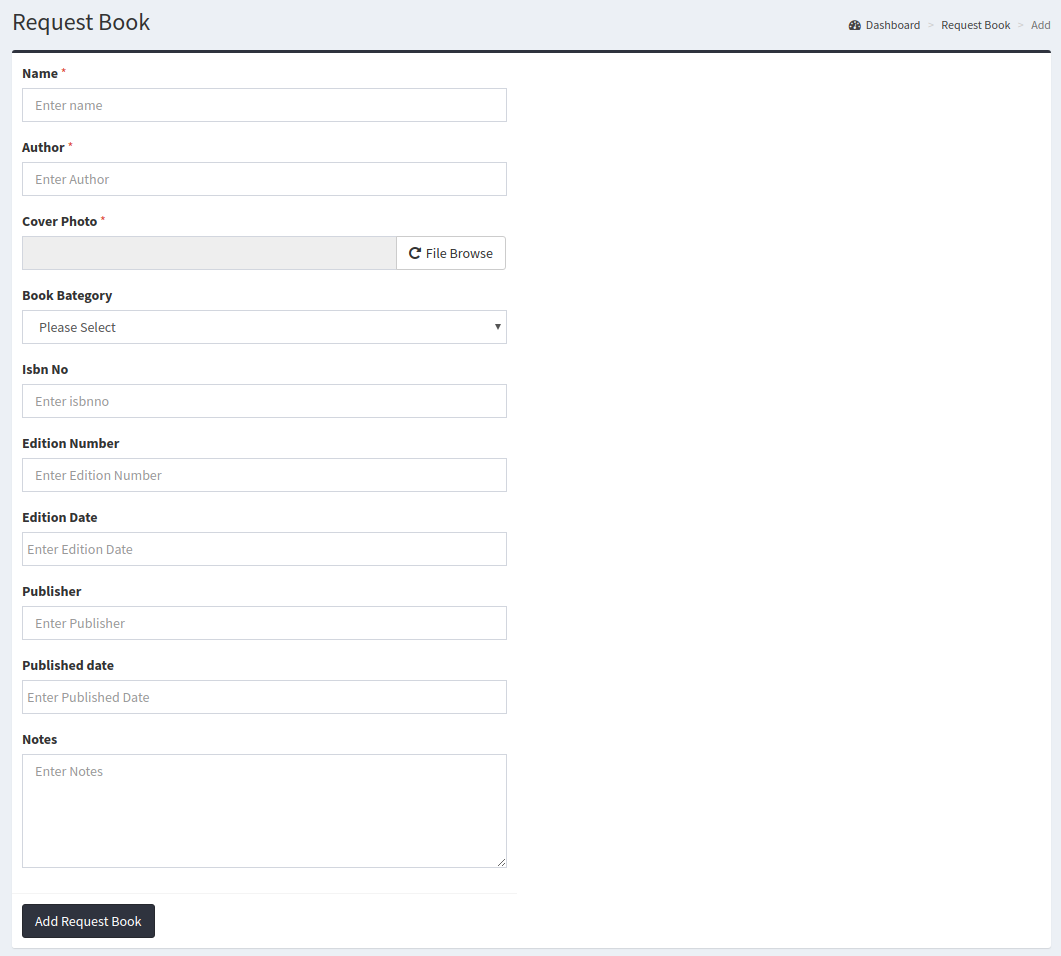
In Request Book module, user can request for any book Add systemadmin can add this book in Book module
Add Request Book
Request Book View
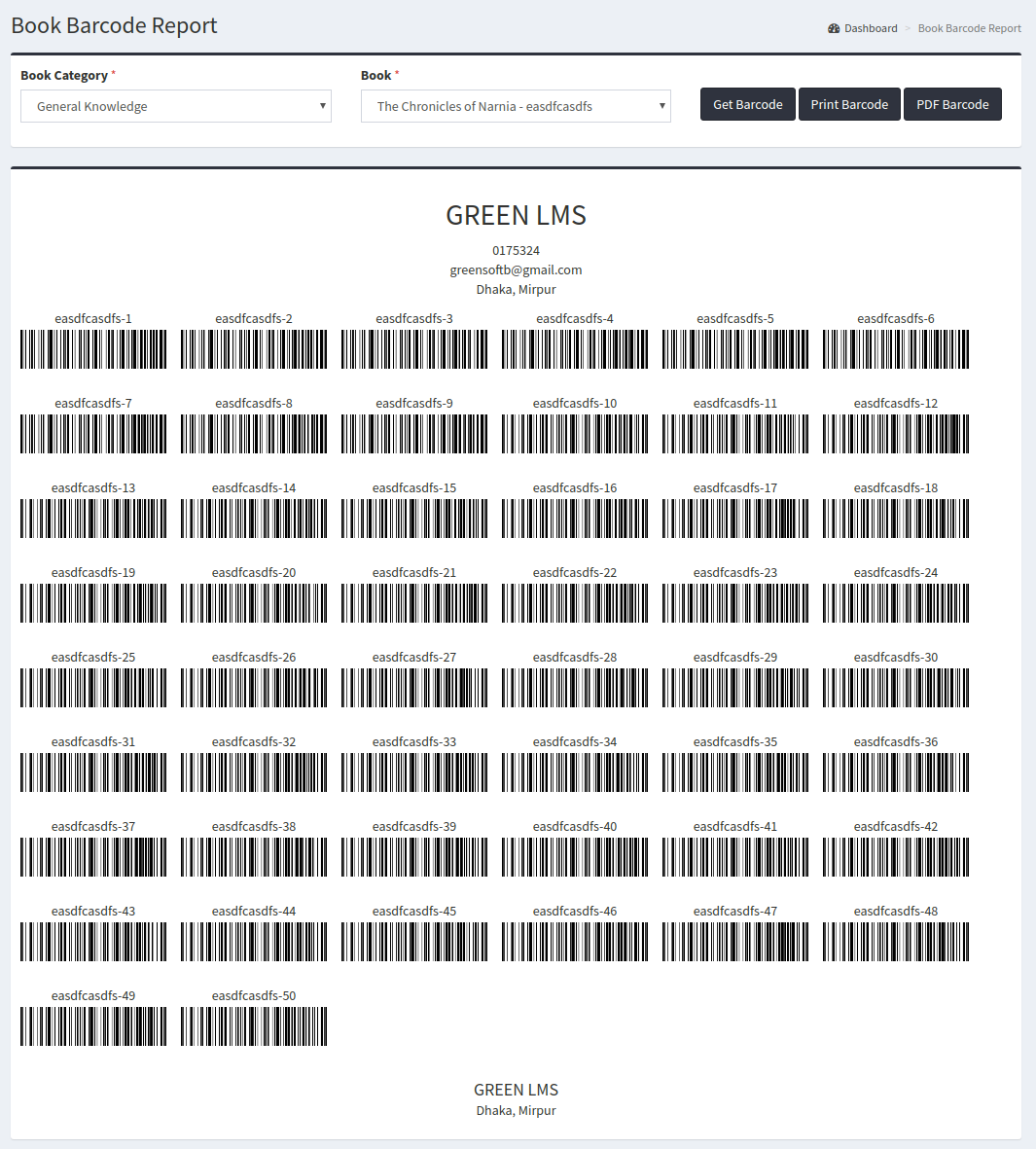
Barcode
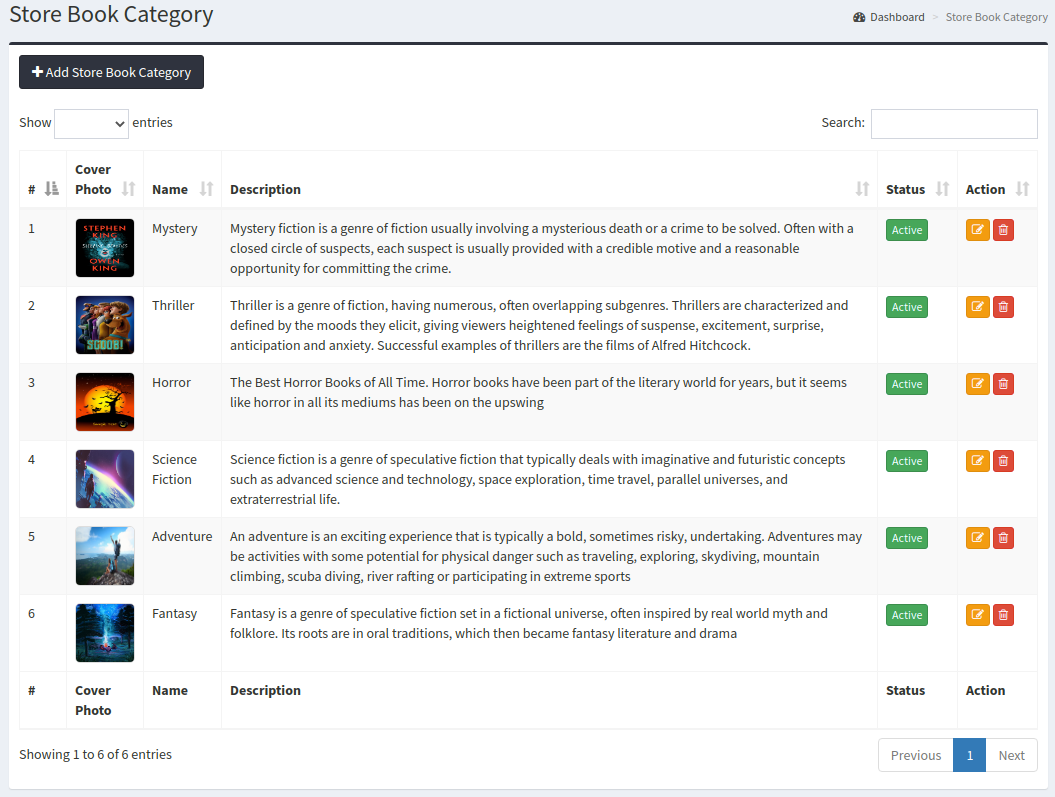
Store Book Category
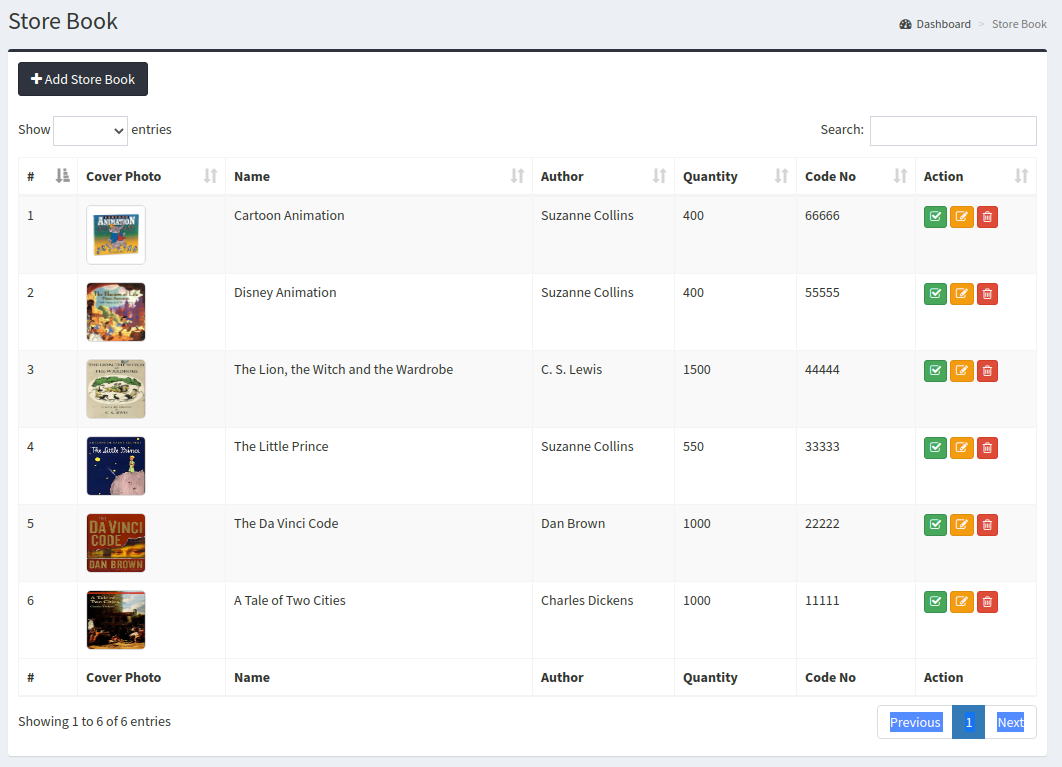
Store Book
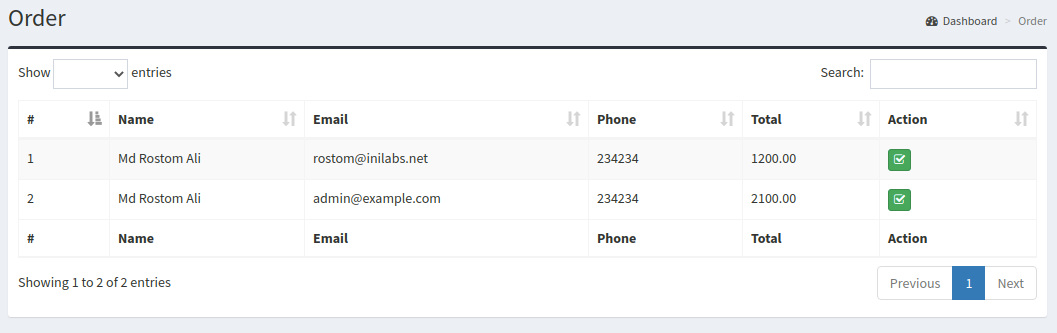
Order
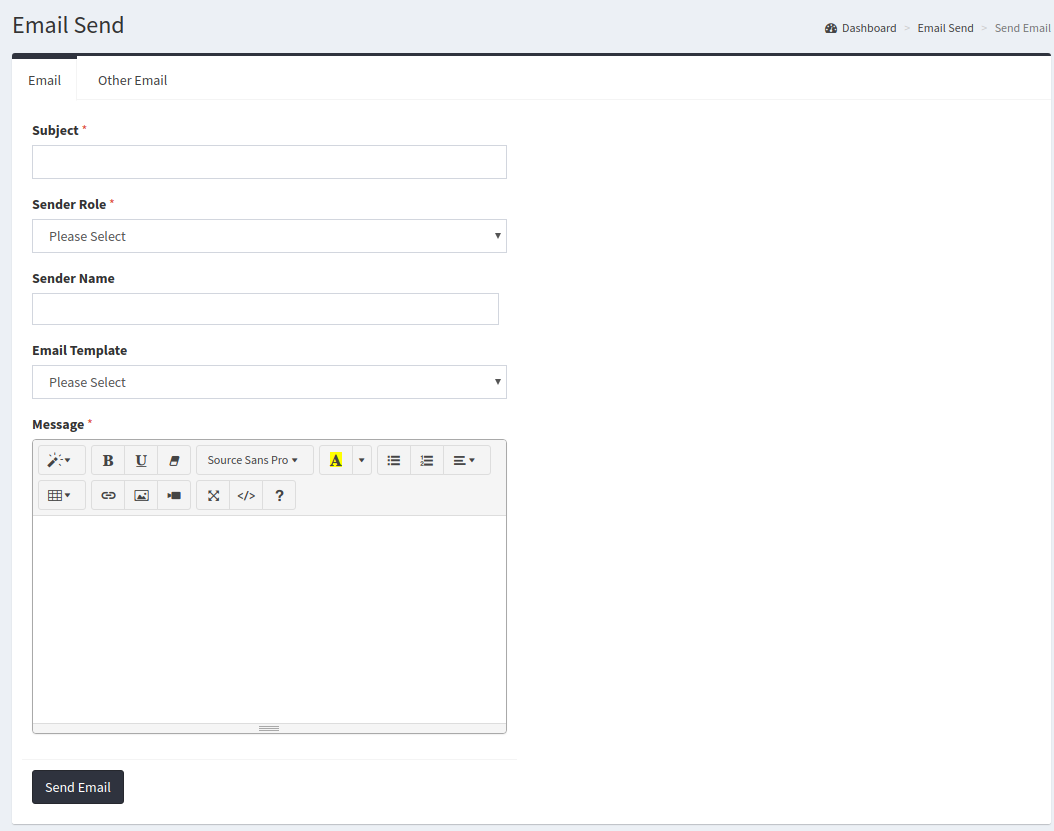
Email Send
Using email send module you can send email all register member or guest member.
Email Template
Using email template module you can create any kind of dynamic email template using some predefind tag.

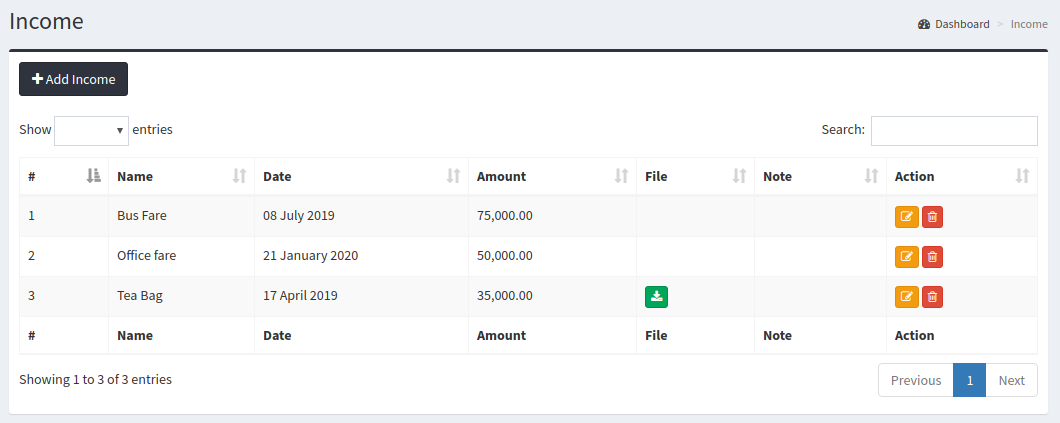
Income
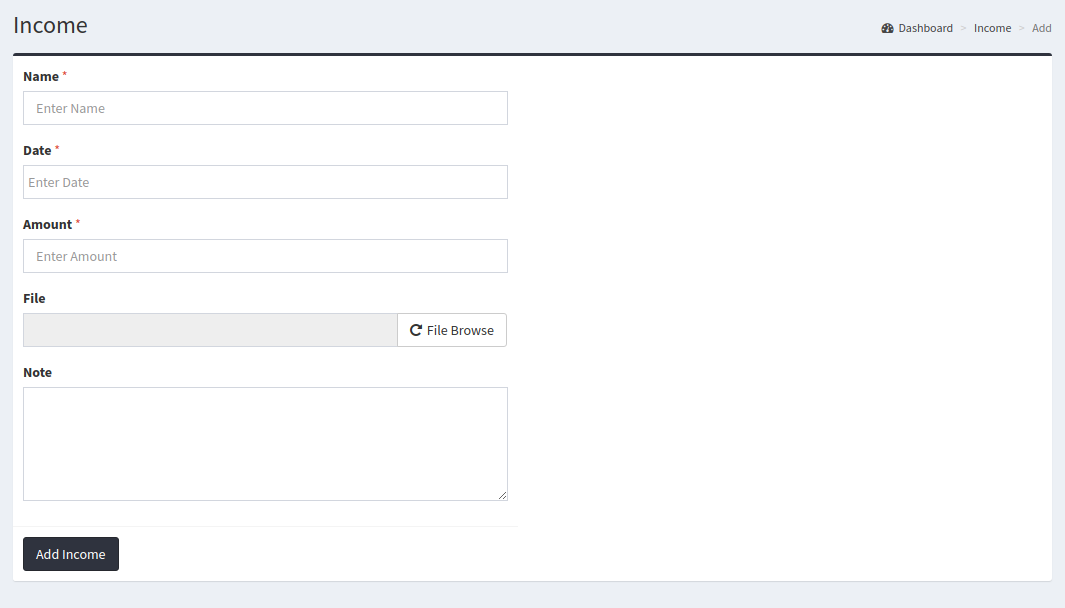
Using Income module you can add, edit, update, delete any kind of income.
Income Add
Expense
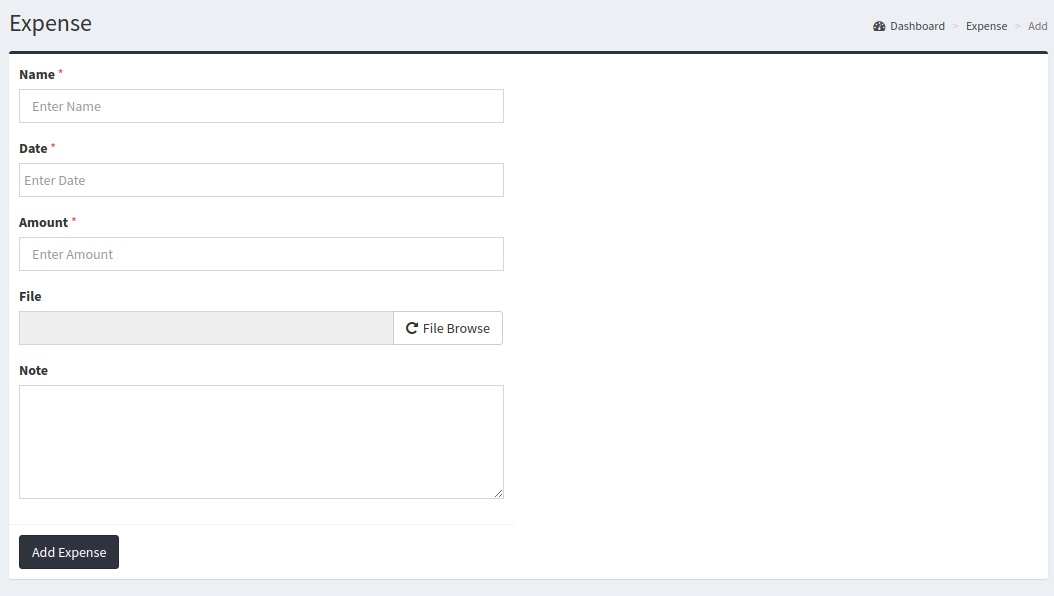
Using Expense module you can add, edit, update, delete any kind of expense.
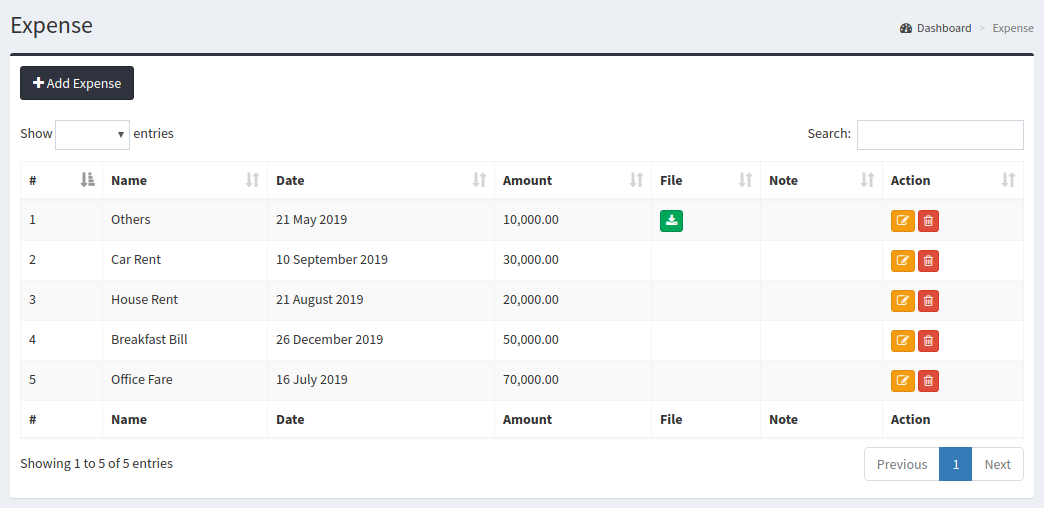
Expense Add
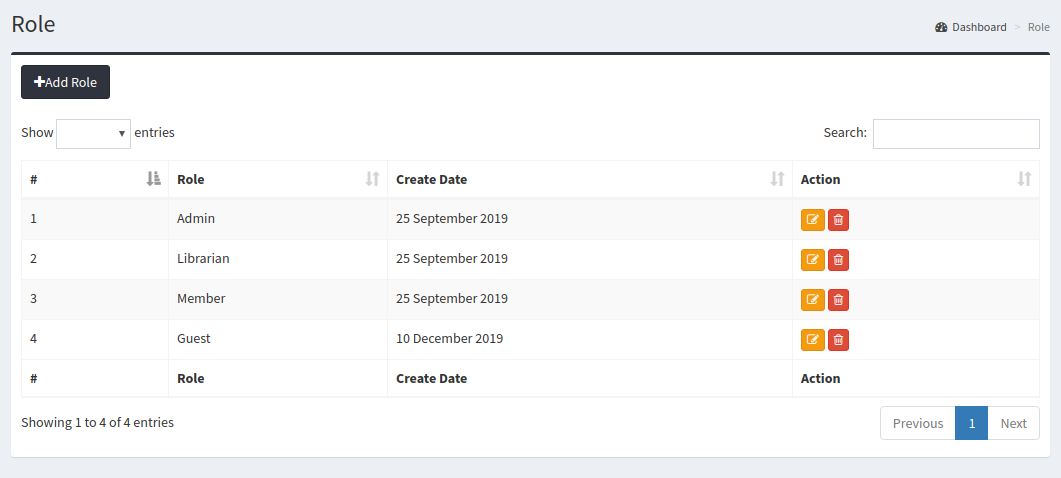
Administrator
Systemadmin can set can make dynamic role here.
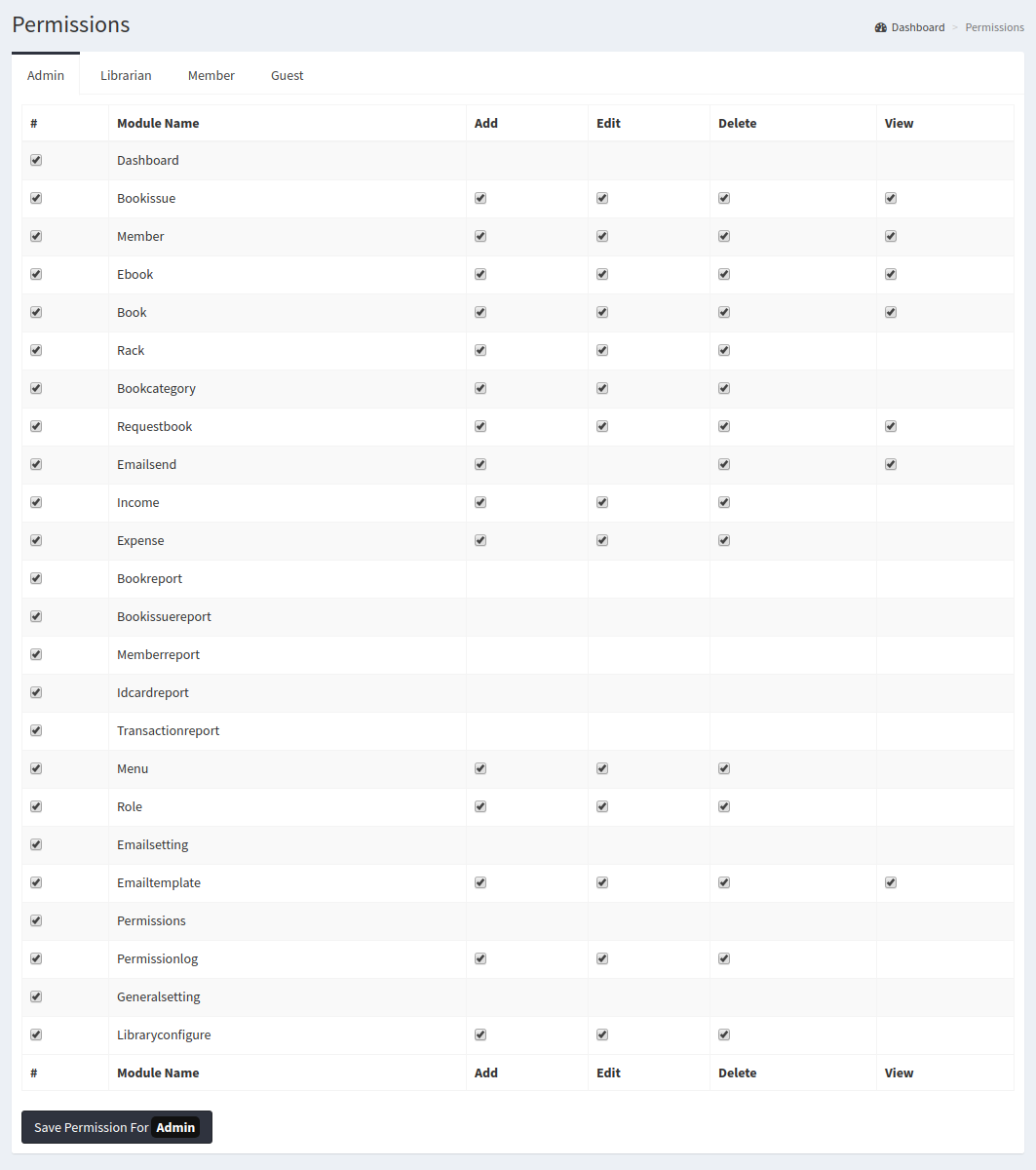
Permission
Permission Module give permisson of module each role type member.System admin control member permission here
Setting
In Setting module system admin can setup system setting

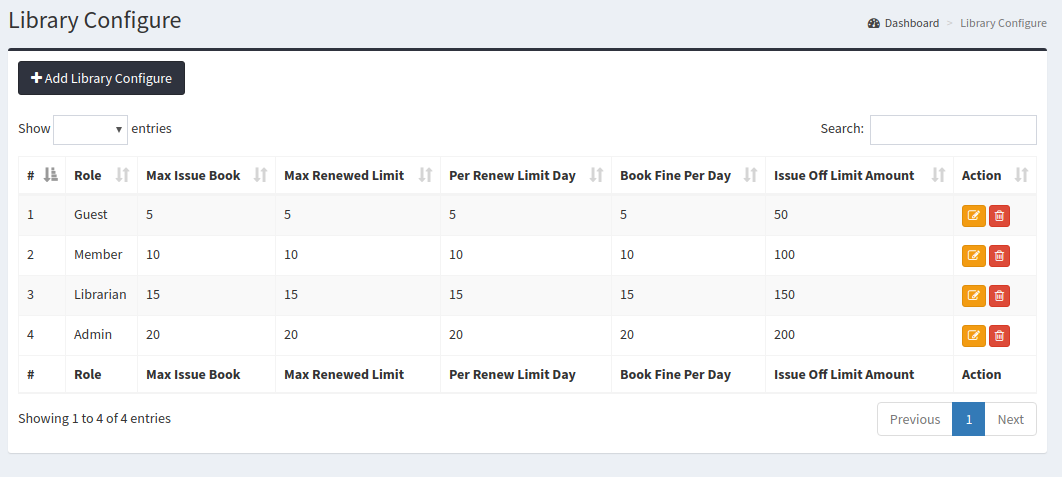
Library Configure
In Library Configure Module Systemadmin can setup renew limit, fine etc setting.
Backup
In Backup module system admin can can bacup system database
Update
In Update module system admin can update system
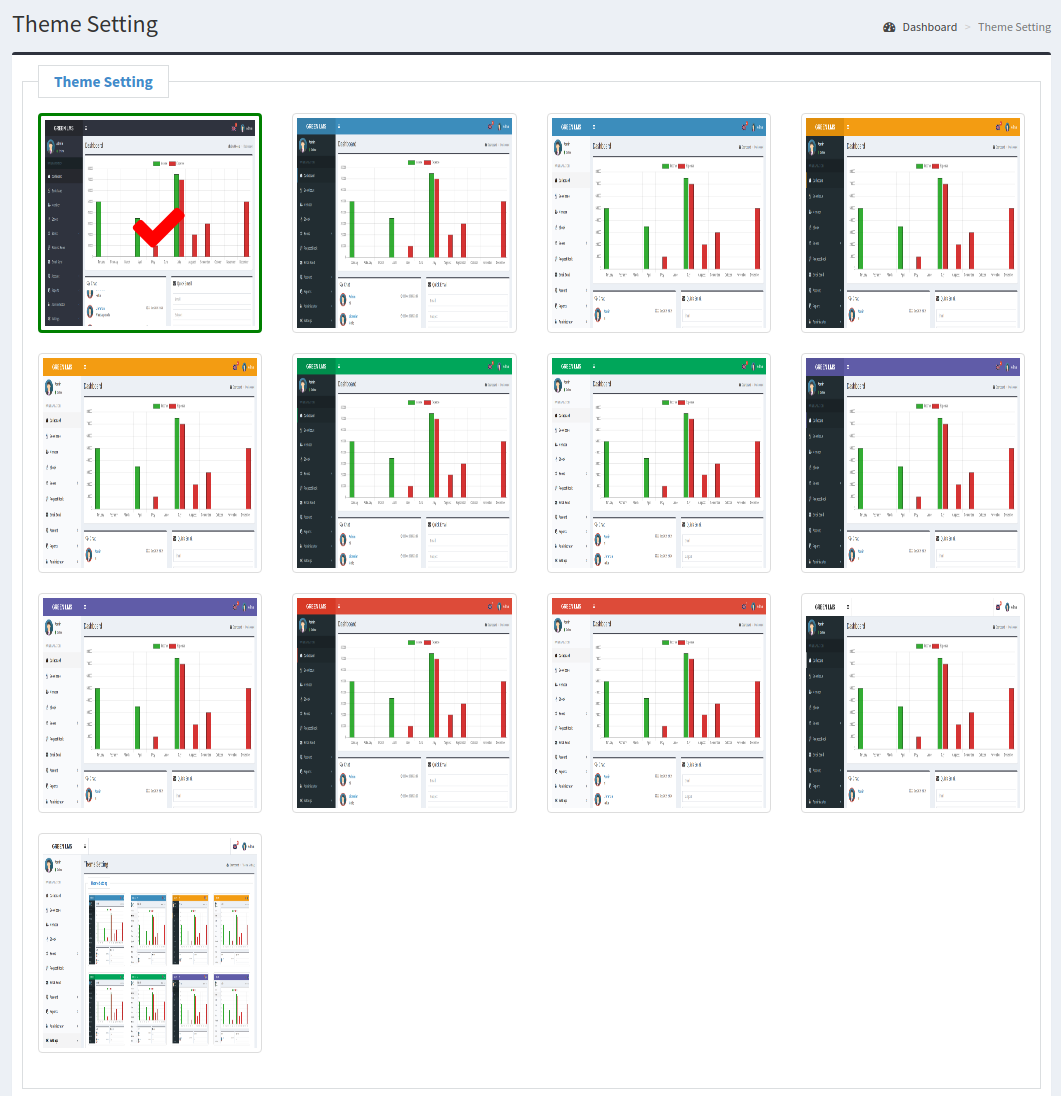
Theme Setting
In Theme Setting module system admin can change system theme
Frontend
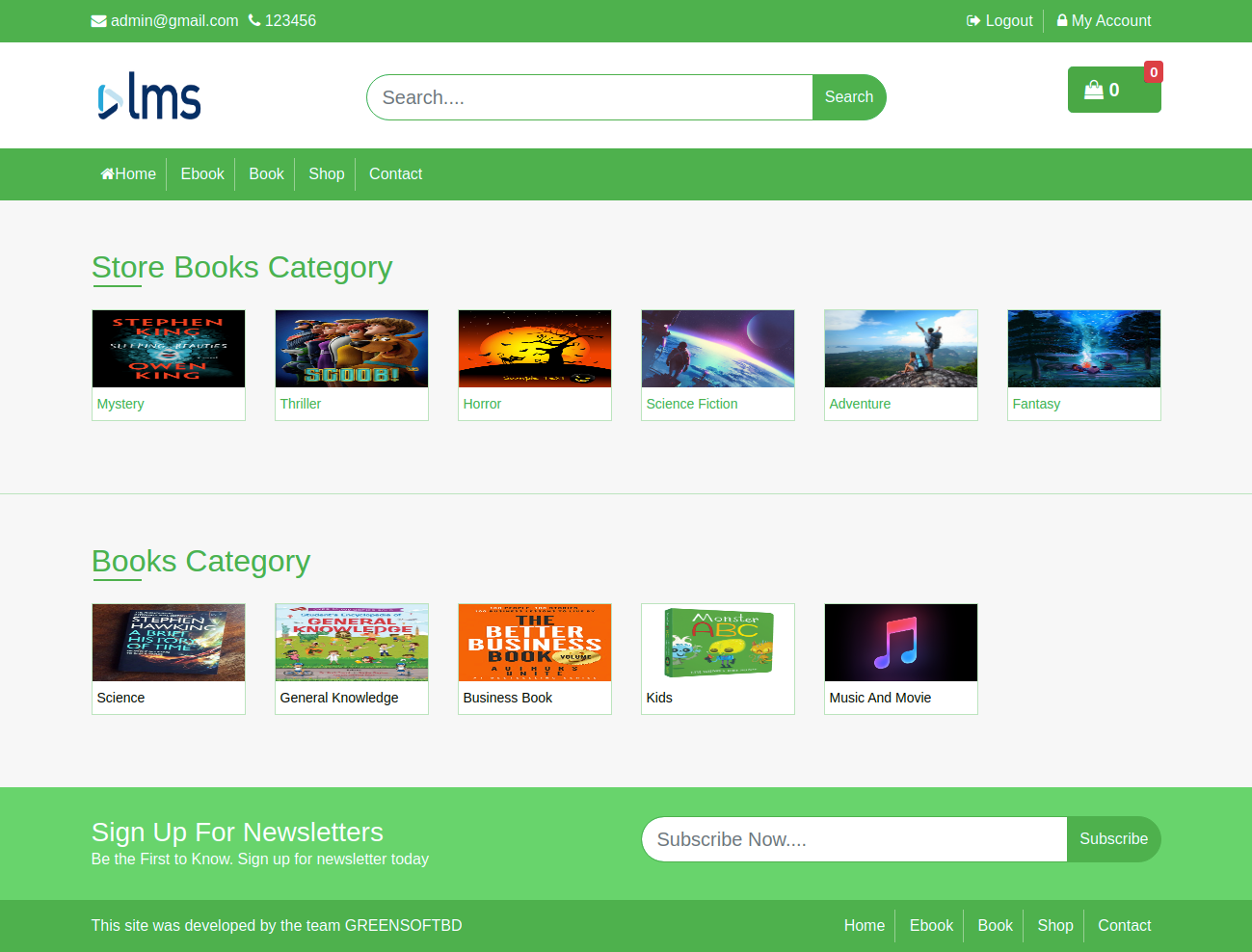
Frontend Page
In Home page, you can see store book category and book category list.
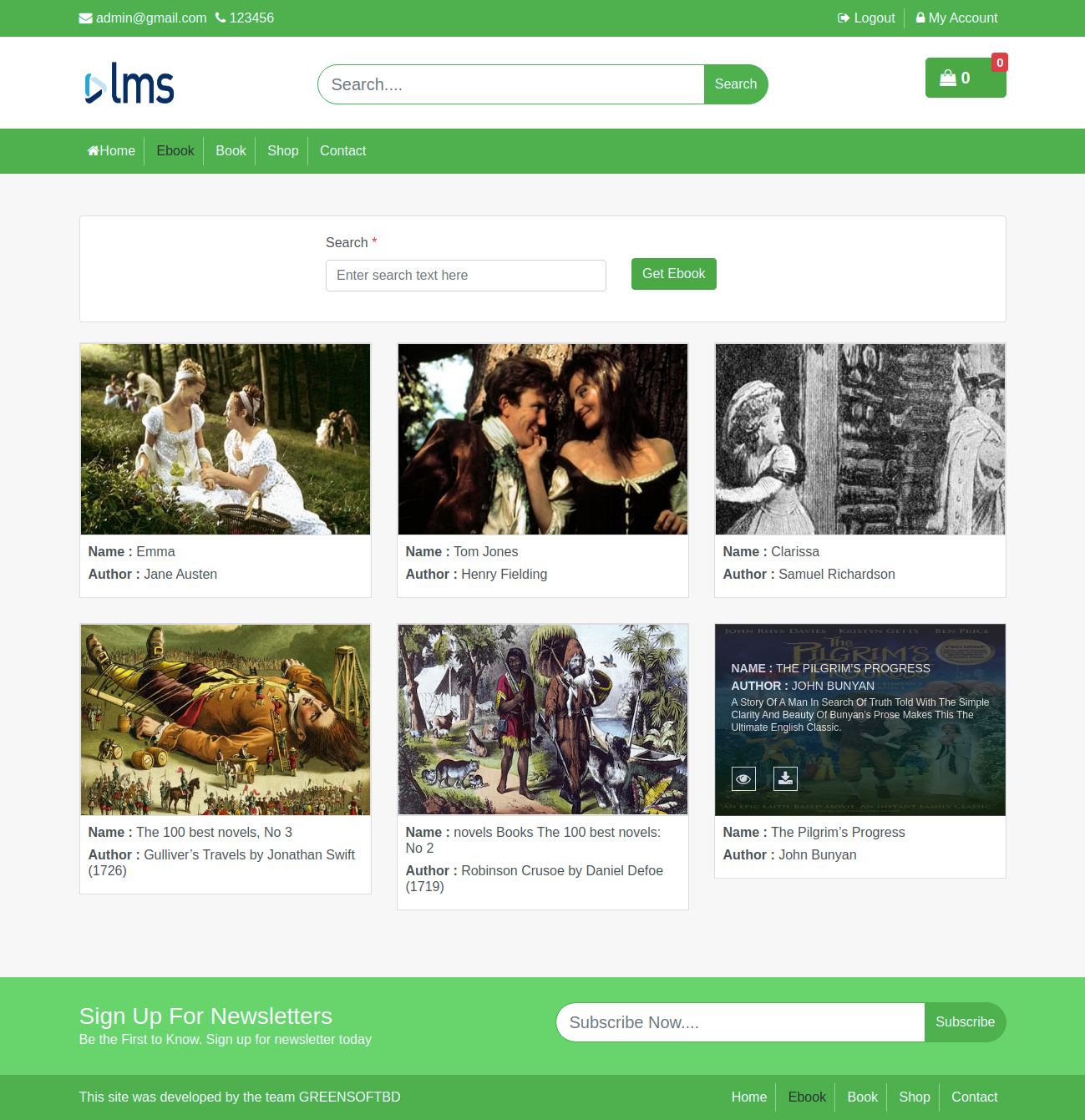
Frontend Ebook
In Frontend Ebook, Any one can read book here.
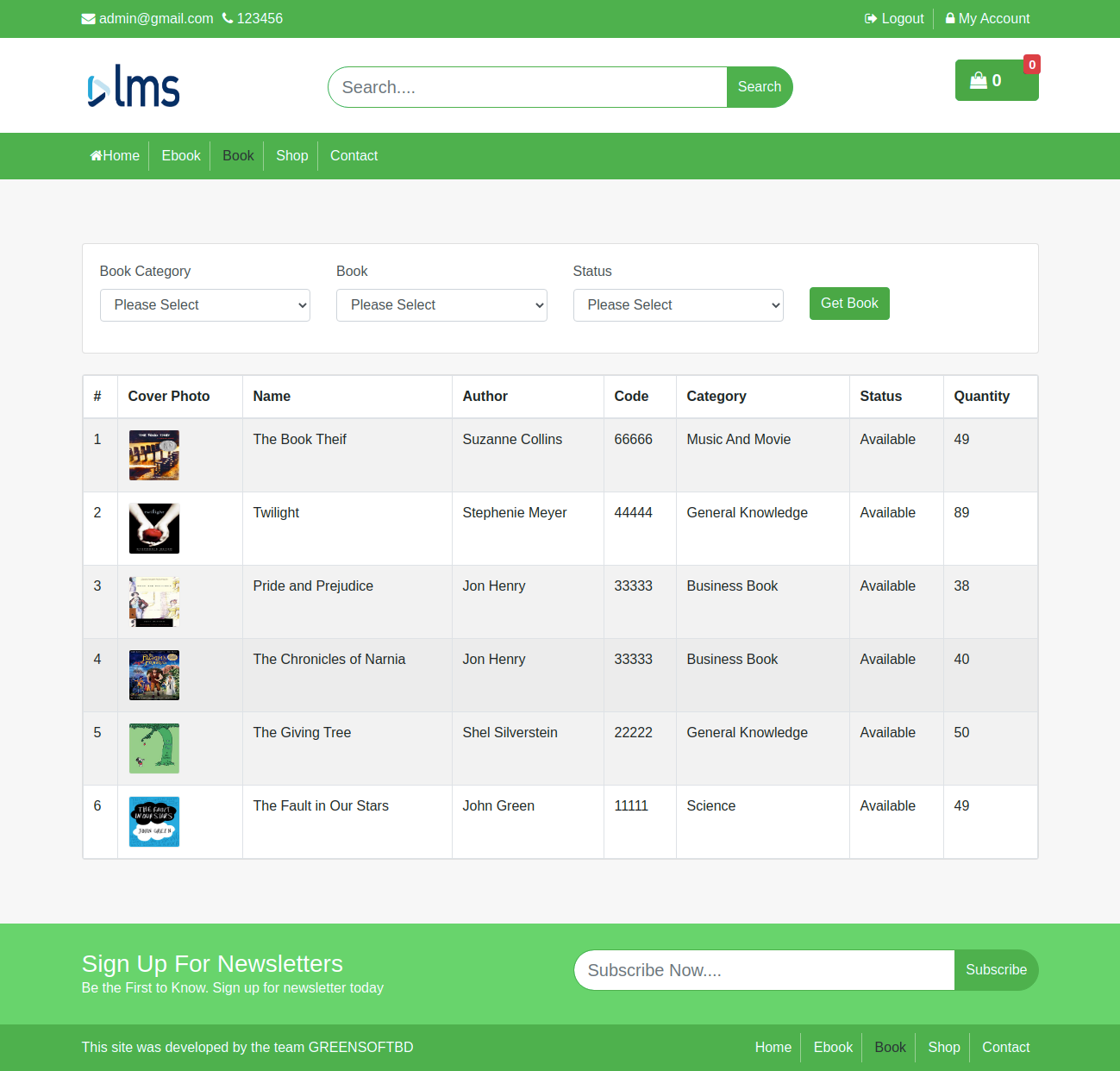
Book Page
In Book Page, you can check book info here
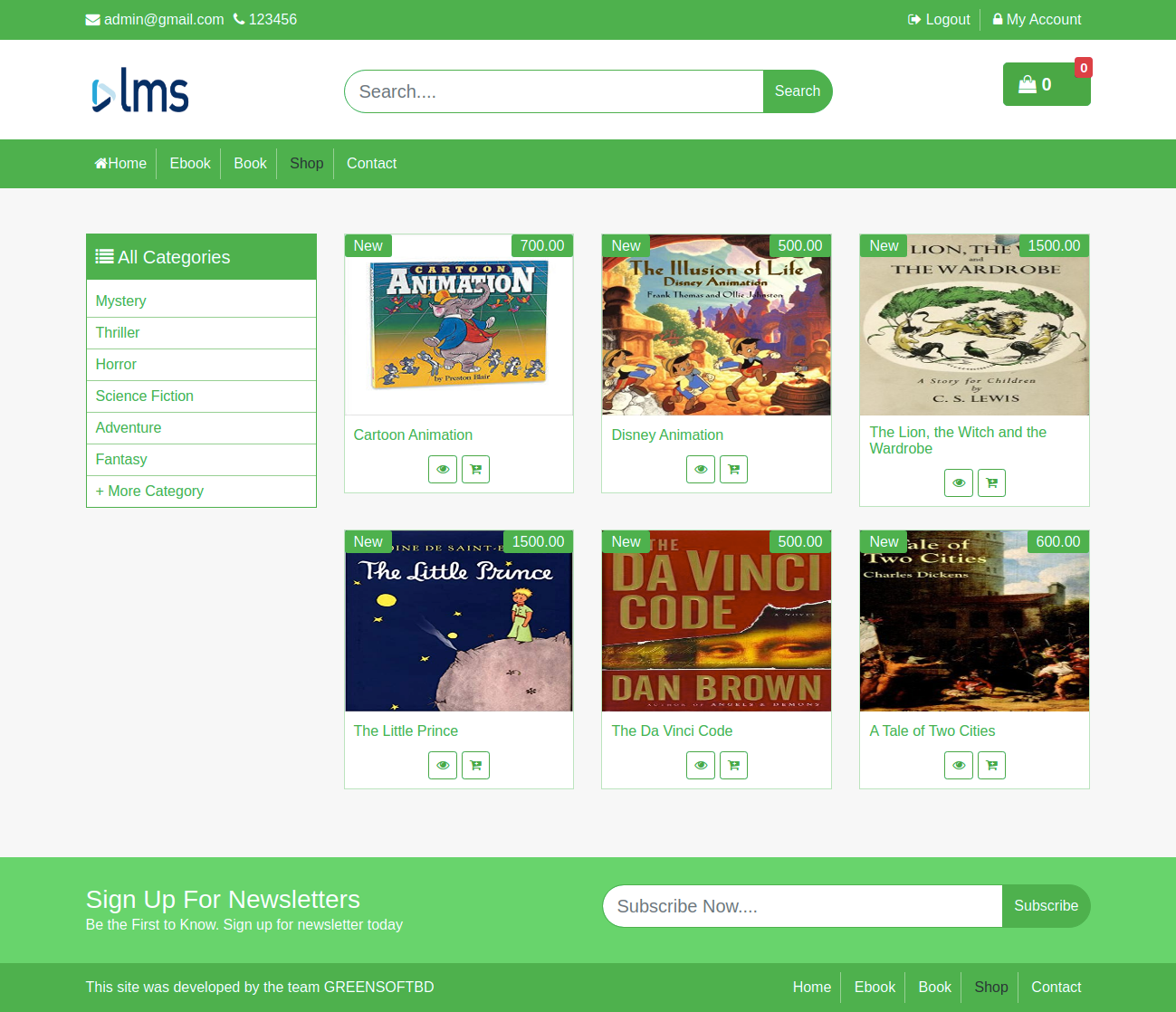
Shop
In Shop Page, you can see all store book product here.
Shop Details
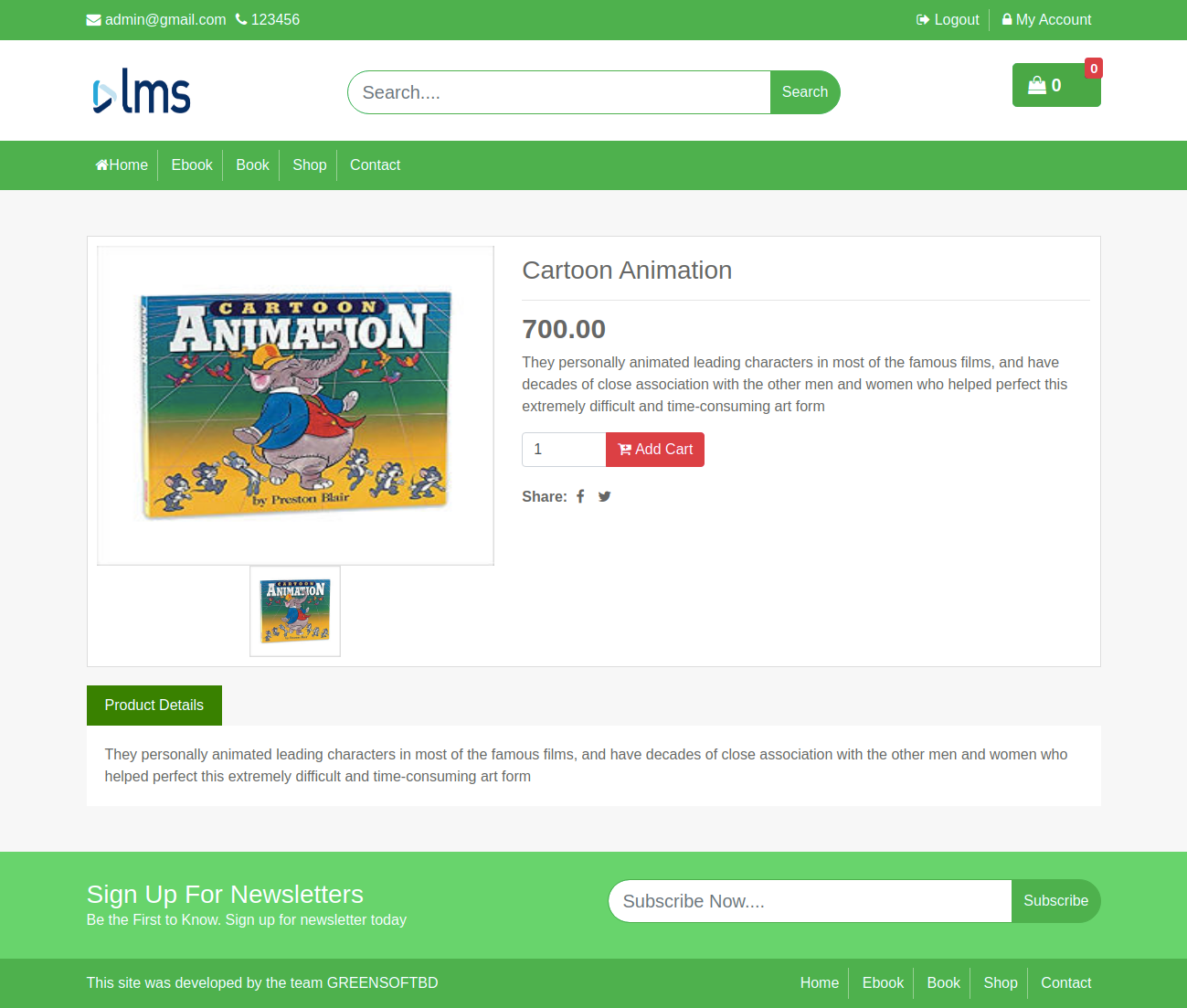
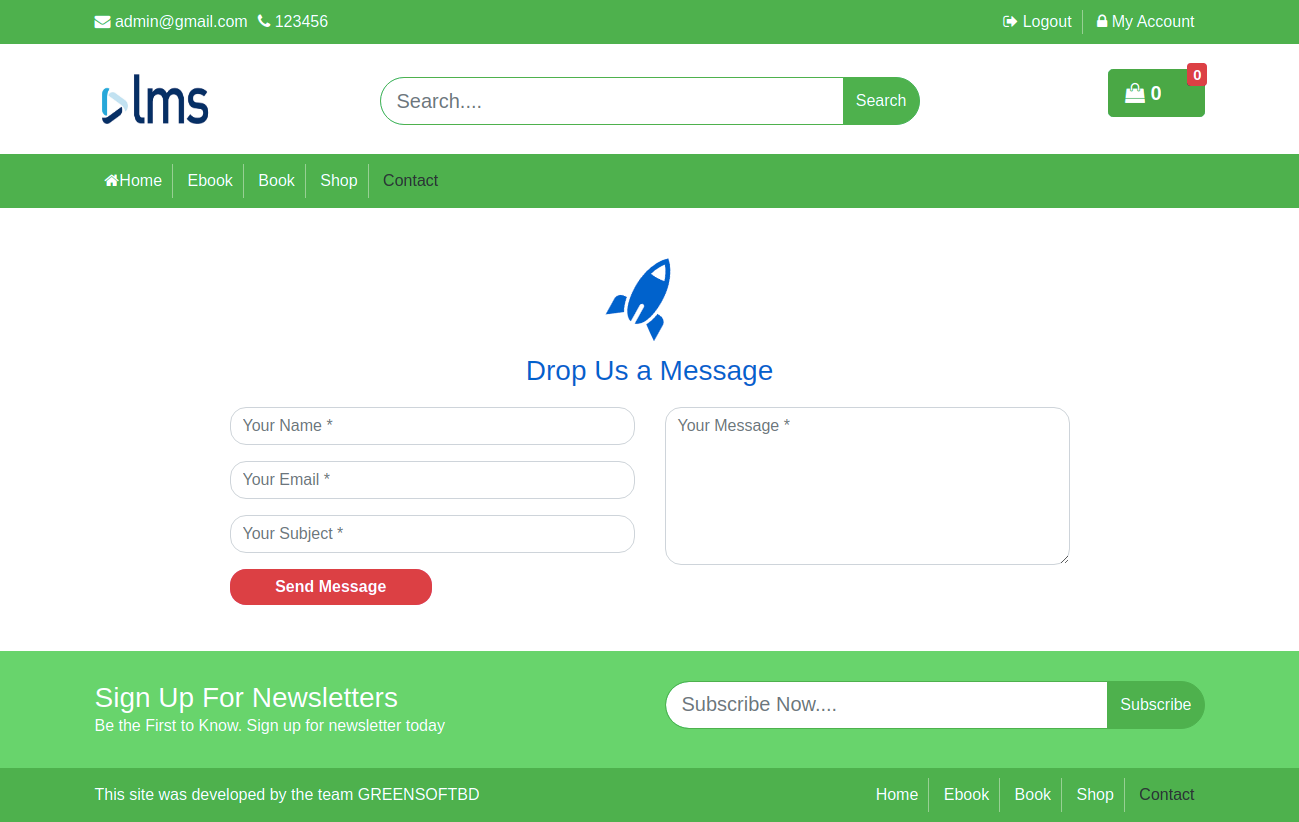
Frontend Contact
In Barcode Report, you can receive mail here.
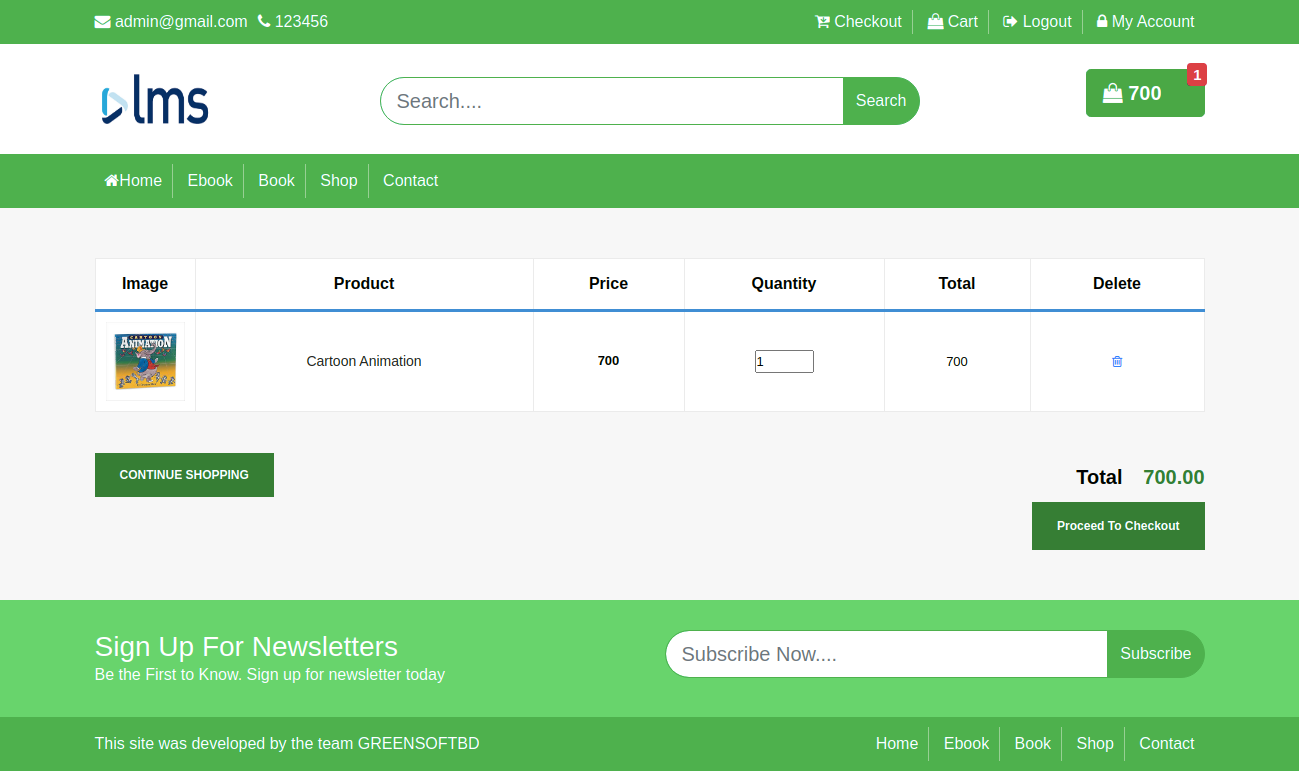
Cart Page
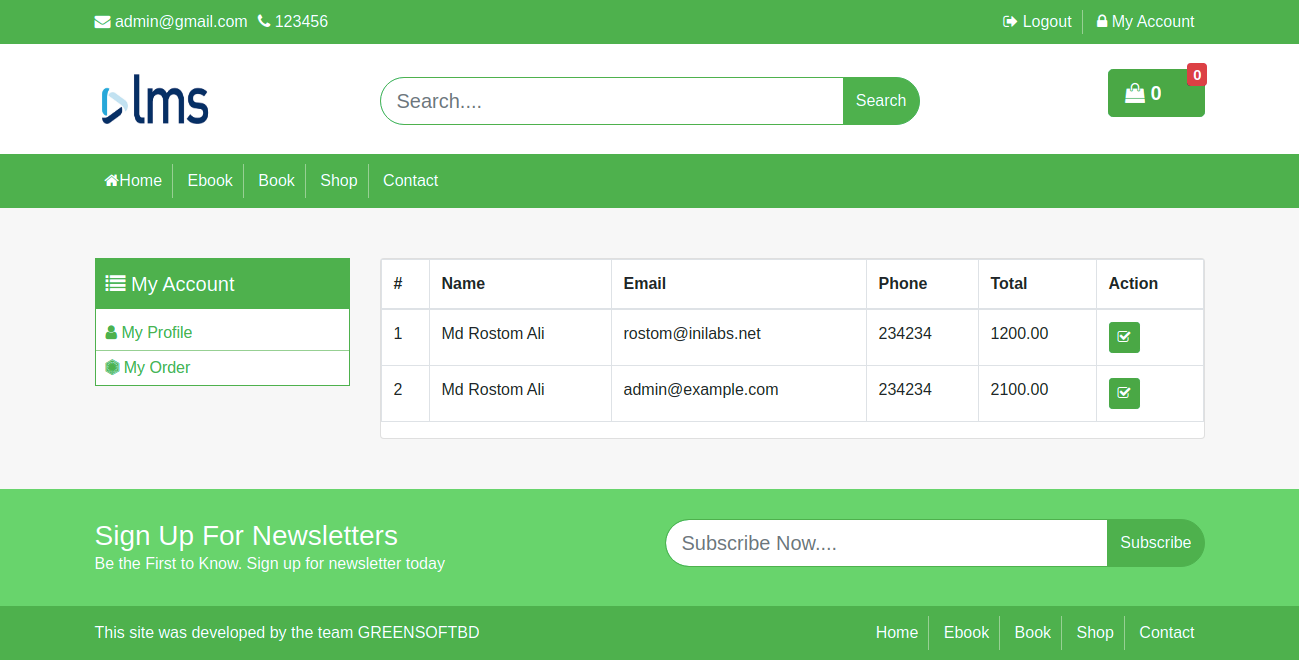
My Order
Report Module
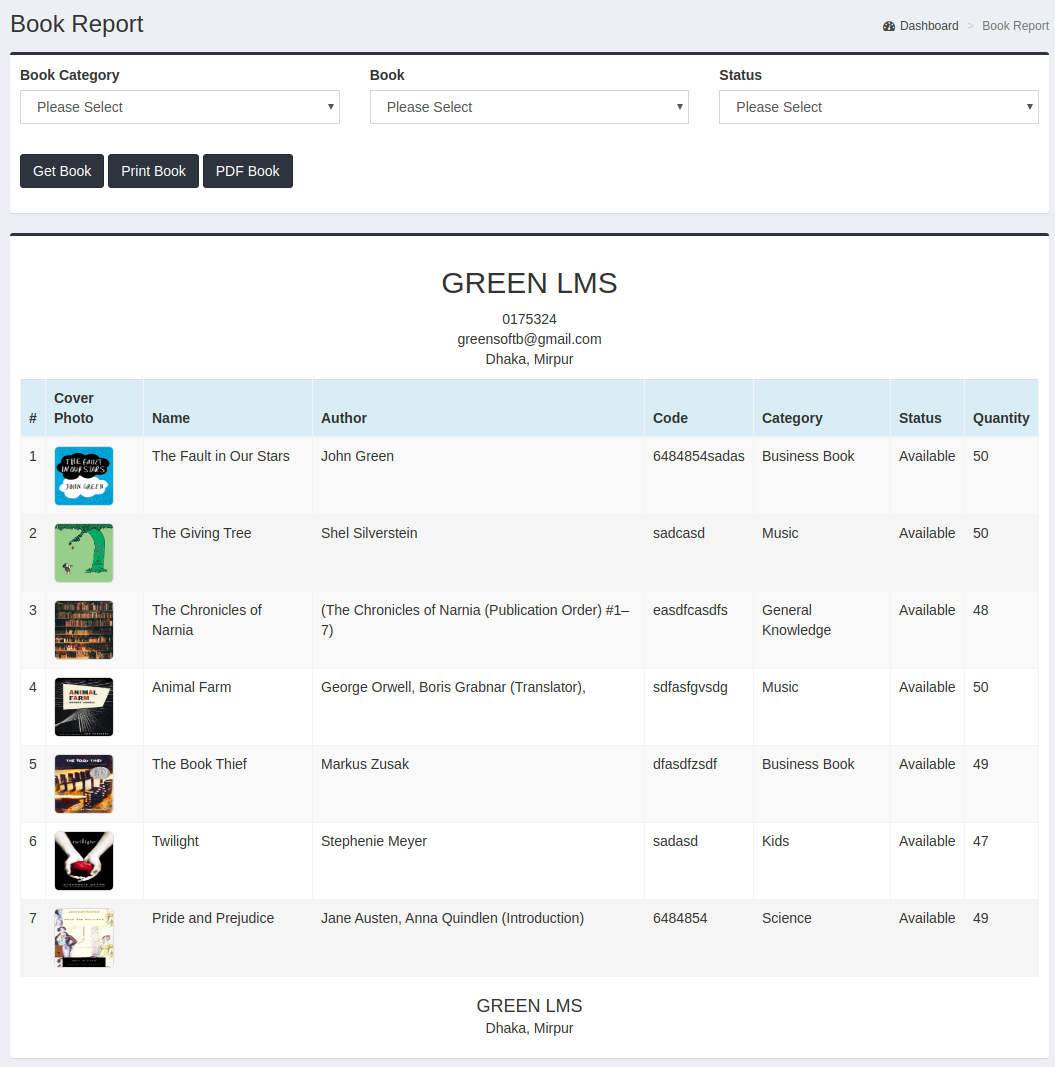
Book Report
In Book Report, you can check you book status by filltering book category, book name and book status(availale or not available).
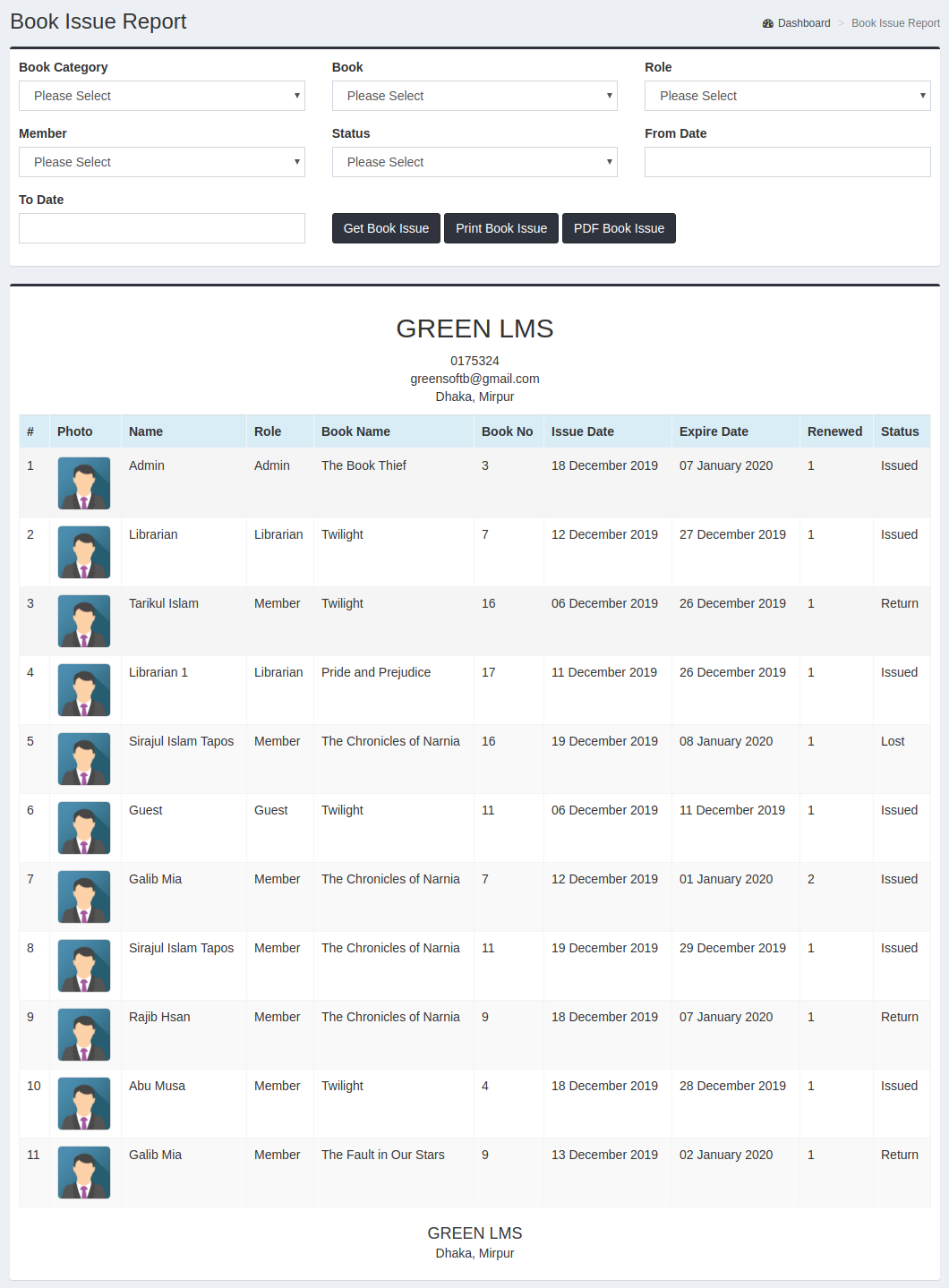
Book Issue Report
In Book Report, you can check issue book status result.
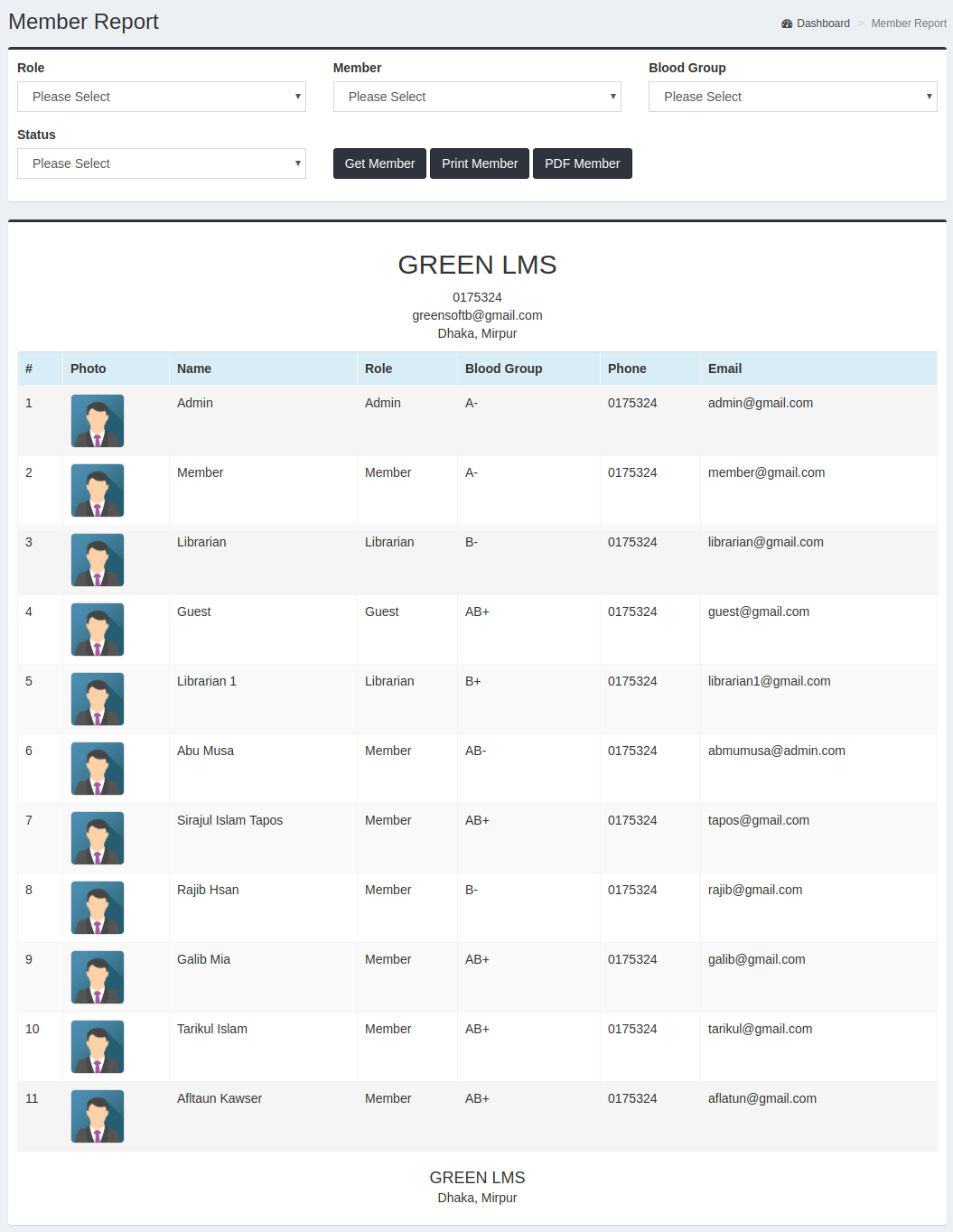
Member Report
In Member Report, you can check memeber info here
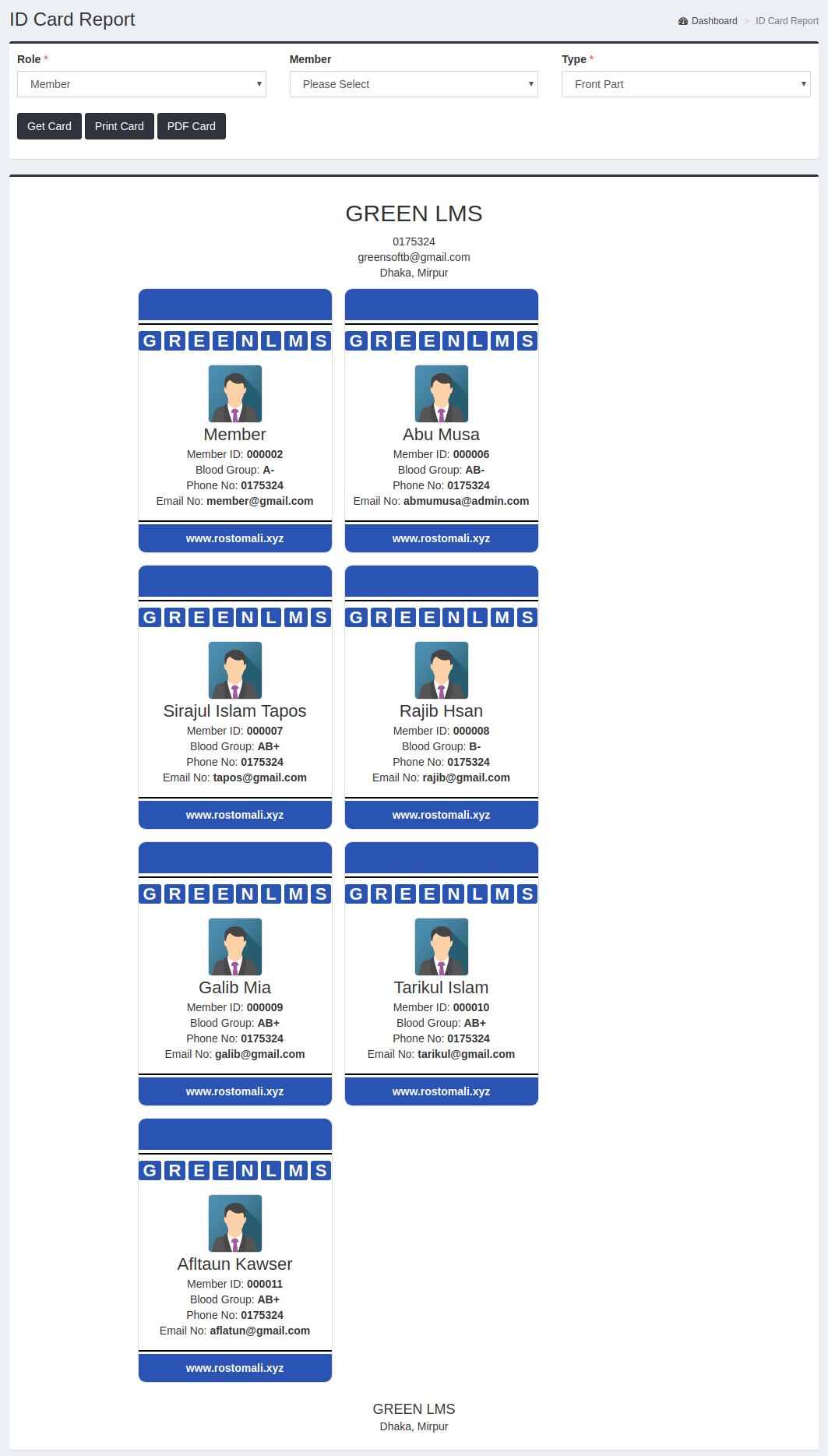
ID Card Report
In Id Card Report, you can print id card.
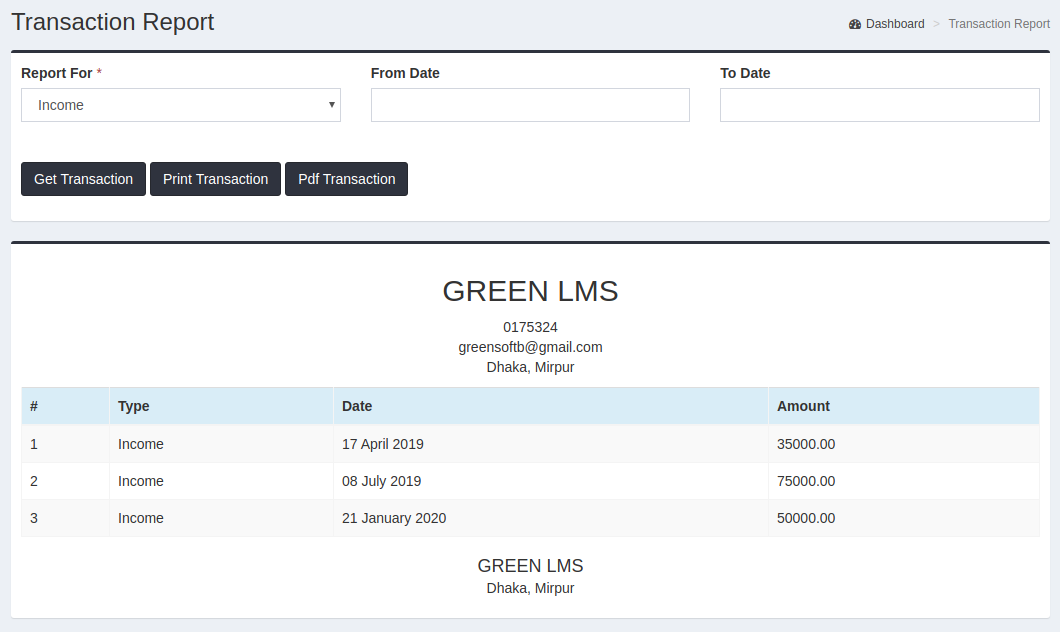
Transaction Report
In Transaction Report, you can check all income / expense in transaction report.
Barcode Report
In Barcode Report, you can generate barcode all book.